.svg@webp)
Explore Pixpro product features
Pixpro is professional photogrammetry software for Windows with a complete processing pipeline, full measurement suite, and every export format your downstream tools need. No plugins. No extra modules.
Bring in your photos. Pixpro handles the rest.
Compatible with any drone, camera, or smartphone. EXIF, RTK, and flight track data are read automatically so you spend less time configuring and more time processing.
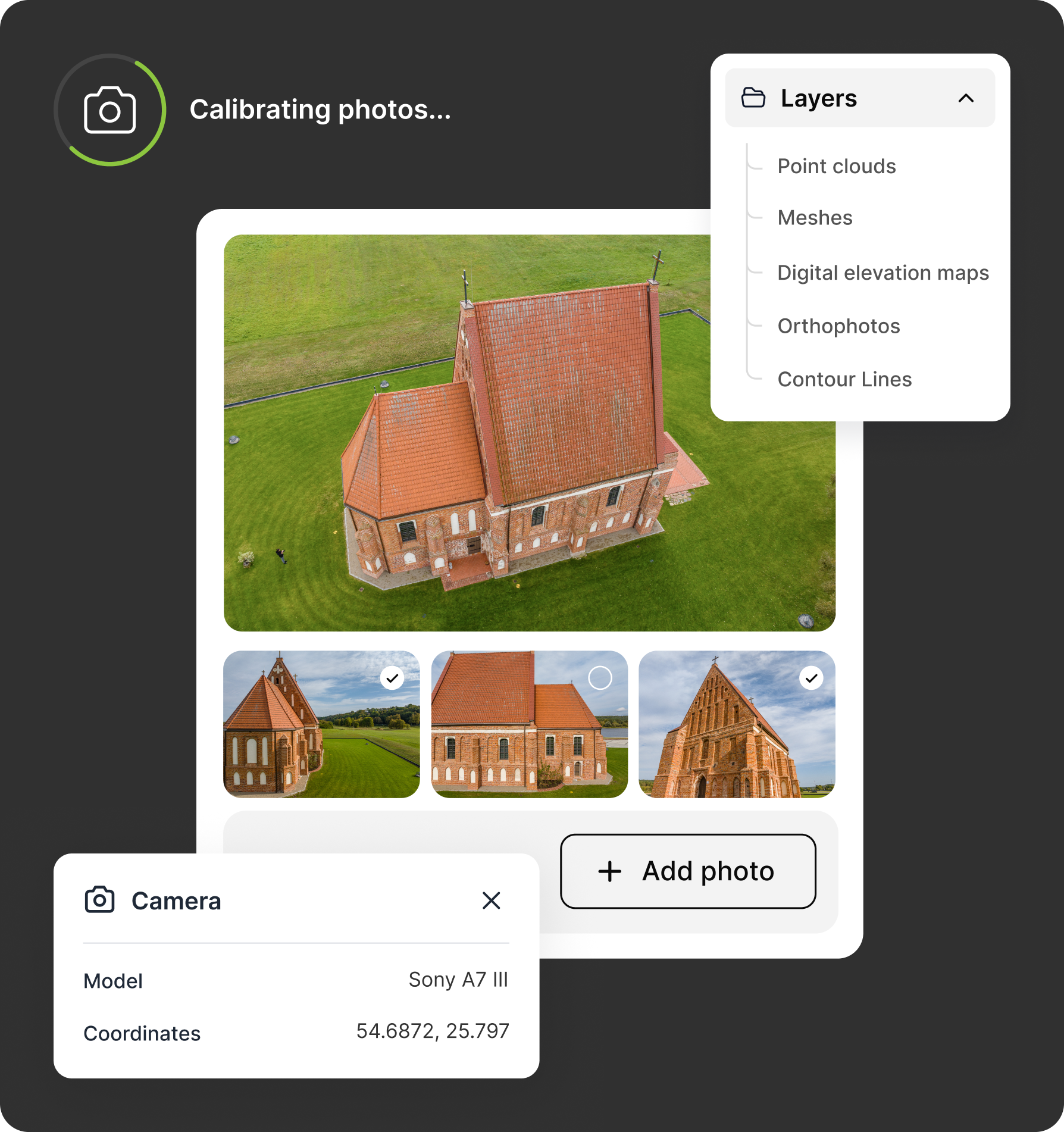
Pixpro works with any drone or camera you already own.
Start free trialOne click. Every layer.
Press Process. Pixpro generates your full output stack in a single run or step through each stage manually when you need precise control over the result.
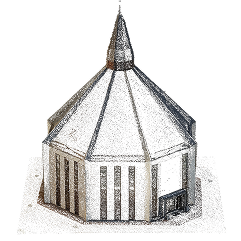
Sparse Point Cloud
The first stage of reconstruction. Establishes the 3D positions of your cameras and an initial structure of the scene. Used as the foundation for all subsequent layers.
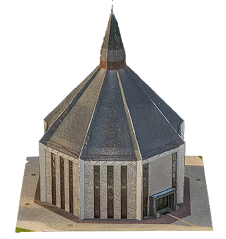
Dense Point Cloud
The primary 3D output a high-density set of 3D points representing every surface in your scene. The input for mesh and DEM generation.
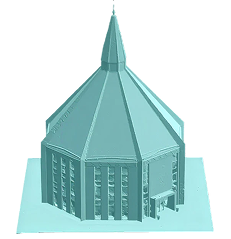
3D Mesh & Texture
A continuous textured surface model derived from the dense point cloud. The closest output to a photorealistic 3D representation of your scene.
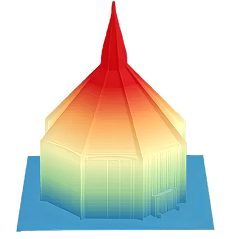
Digital Elevation Map (DEM)
A 2.5D height map of your terrain the standard output for volumetric calculations, contour generation, and orthophoto production.
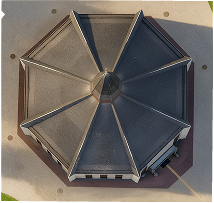
Orthophoto
A geometrically corrected top-down image of your scene, georeferenced and ready for GIS import or client delivery.
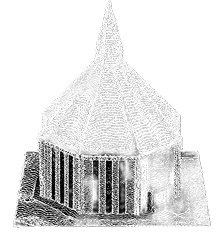
Contour lines
Isohypse lines generated directly from a DEM surface. Customisable interval and height offset converted into polygon objects for further editing.
Measure anything. In real time. On your 3D data.
Every measurement in Pixpro is drawn directly on your point cloud, mesh, or DEM — no separate measurement module, no re-processing. Results are available instantly and update live as you edit.
Drawing & measurement objects
Measure coordinates, horizontal and vertical distances, surface lengths, slope angles, elevations, areas, and 3D volumes. Results are calculated instantly as you draw, with accuracy depending on DEM quality and point-cloud density.
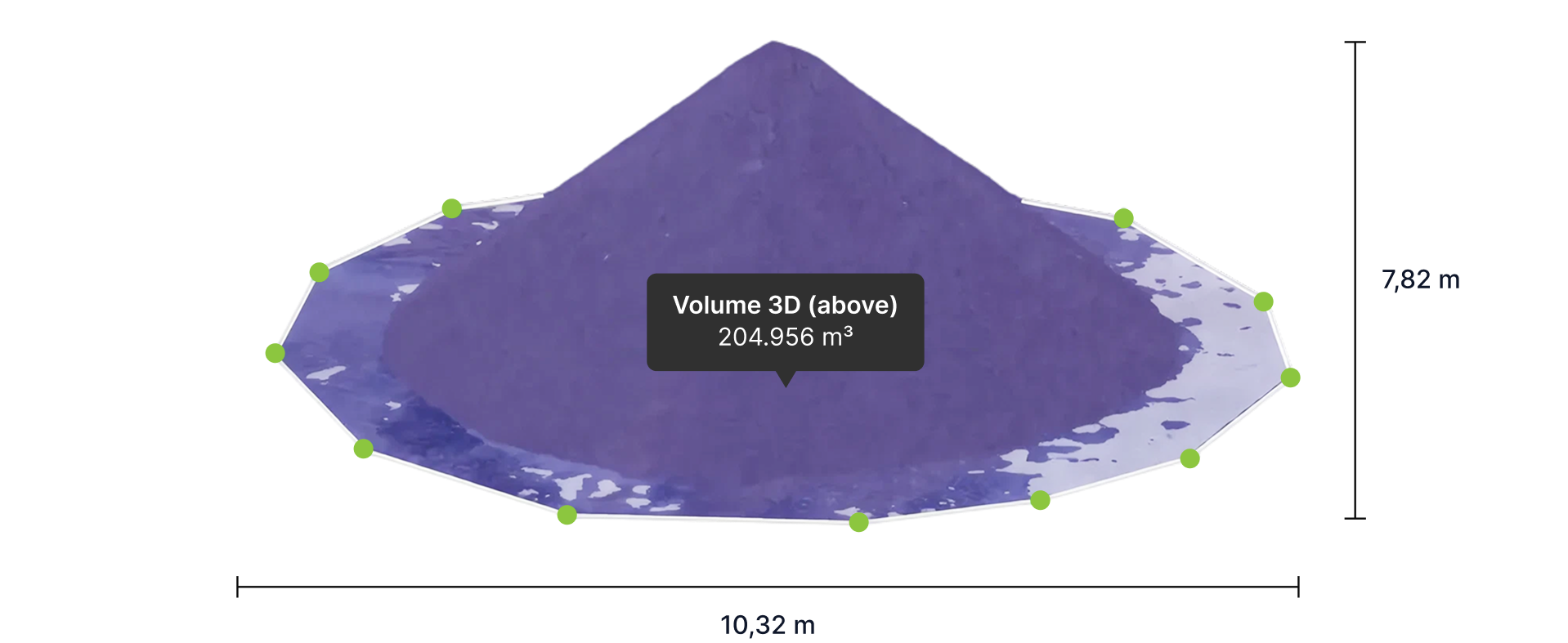
Advanced analysis tools
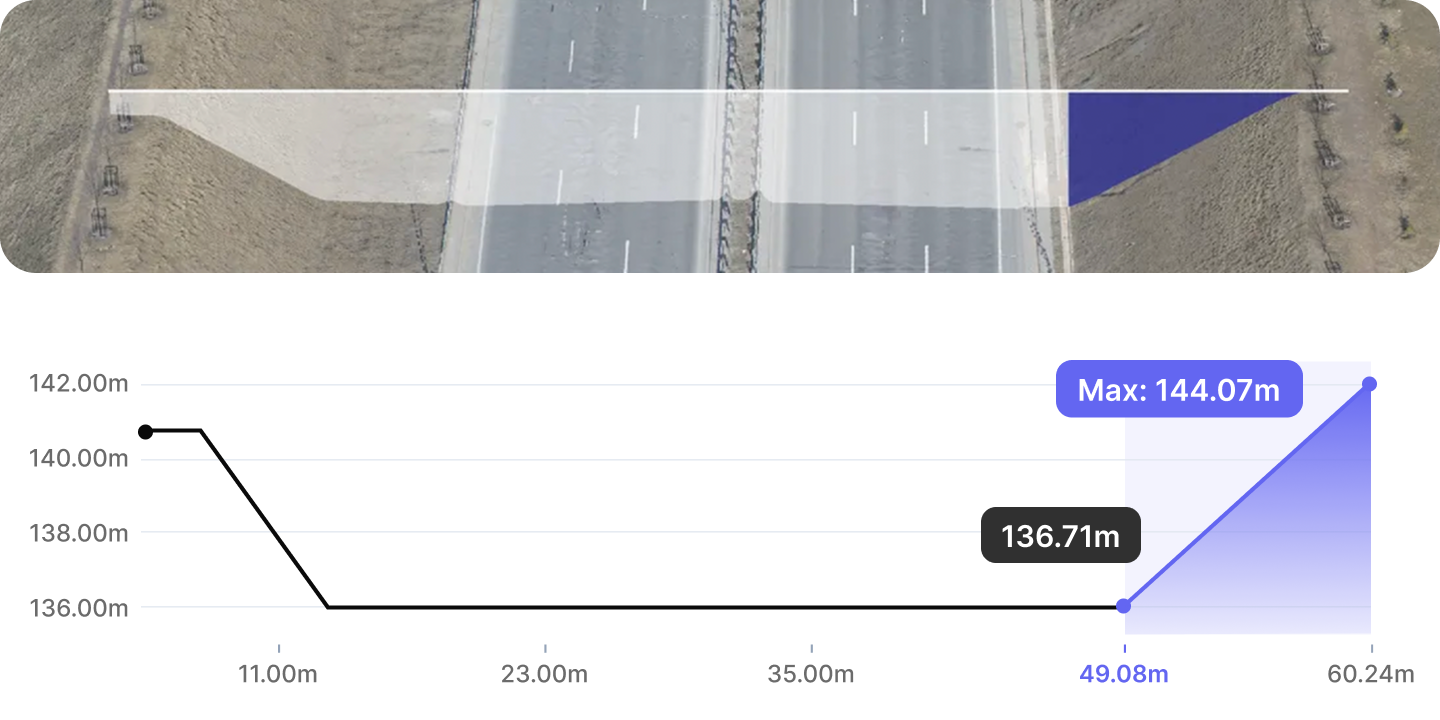
Profile tool
View an interactive cross-section of your terrain along any drawn line or polygon. The profile updates live as you move measurement points, and supports its own set of measurements directly within the profile view.
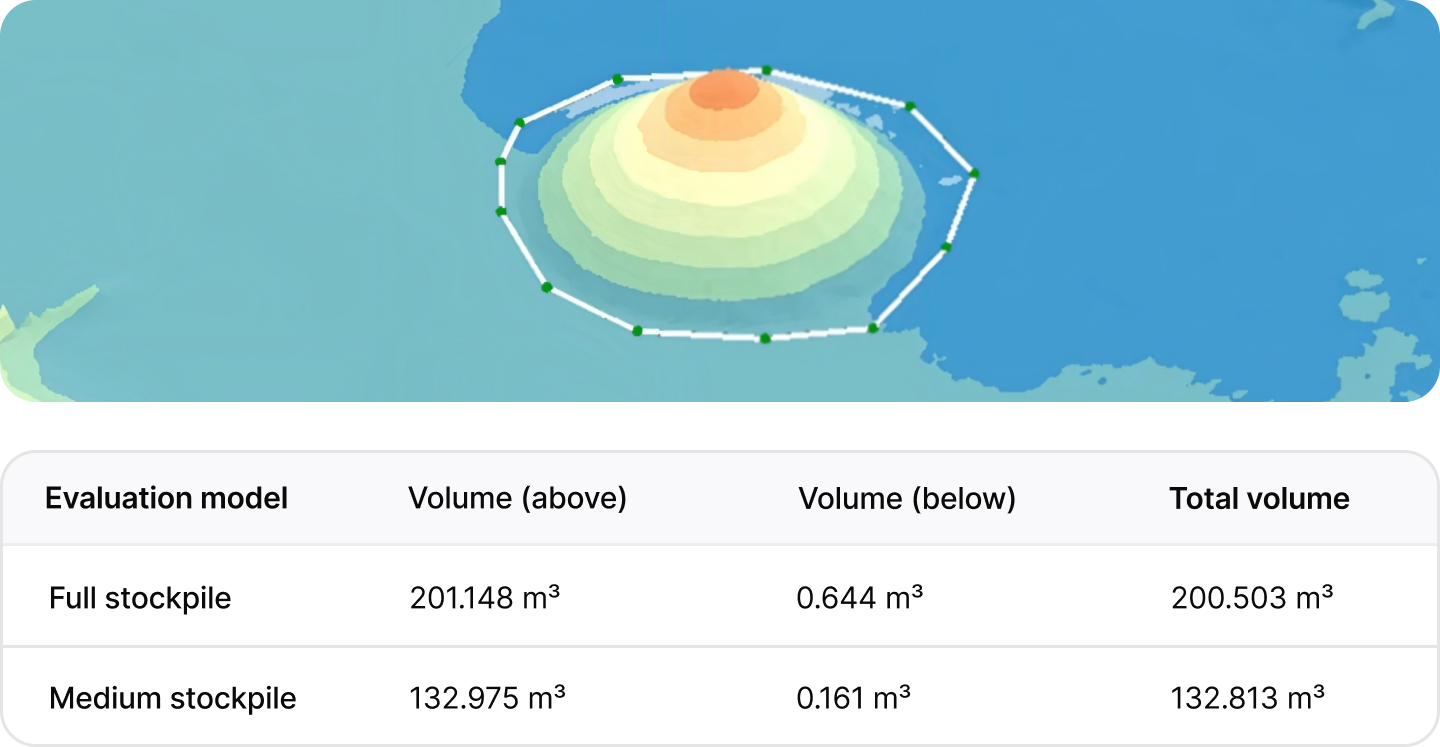
Timeline - volume comparison over time
Compare volumetric changes across multiple surveys of the same siteusing a consistent polygon and base plane. Ideal for quarries, stockpiles, construction progress, and waste management monitoring.
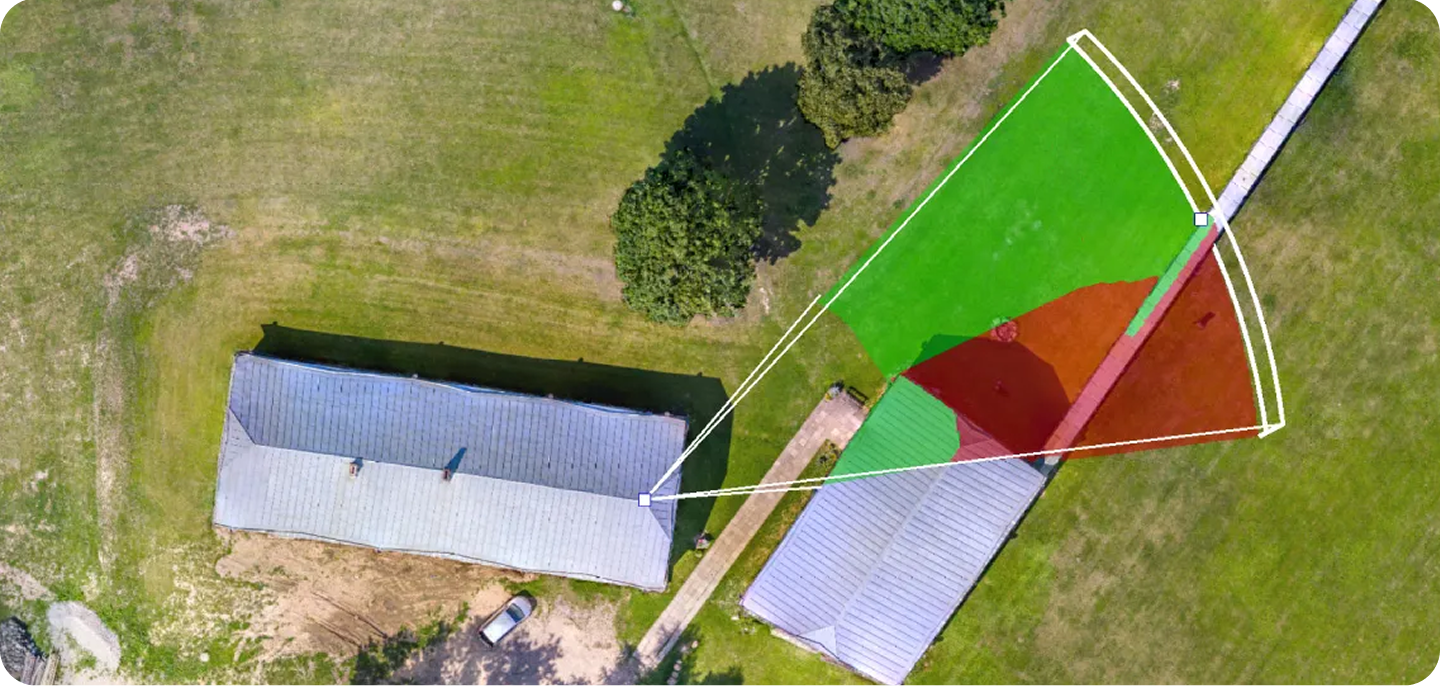
Direct Sight (Line-of-Sight) simulation
Simulate what is and isn't visible from a chosen viewpoint on your terrain model. Generates obscured zone maps directly on the DEM surface useful for security planning, antenna placement, solar analysis, and safety assessments.
Edit your terrain model. No re-processing required.
DEM editing tools let you clean, simulate, and prepare your elevation data directly in Pixpro without sending it to a third-party GIS tool or running reconstruction again.
Level by Averaging
Level an area to an average elevation across the boundary.
Level by Maximum
Flatten to the highest point in the selection cut simulation.
Level by Minimum
Flatten to the lowest point in the selection fill simulation.
Level by Offset
Offset polygon area selection by a set amount, up or down.
Cut hole
Remove a defined area from the DEM for masking buildings or non-terrain objects.
Crop
Trim the DEM to a selected polygon boundary.
Fill
Fill a hole or gap in the DEM surface with interpolated data.
Survey-grade accuracy, built in.
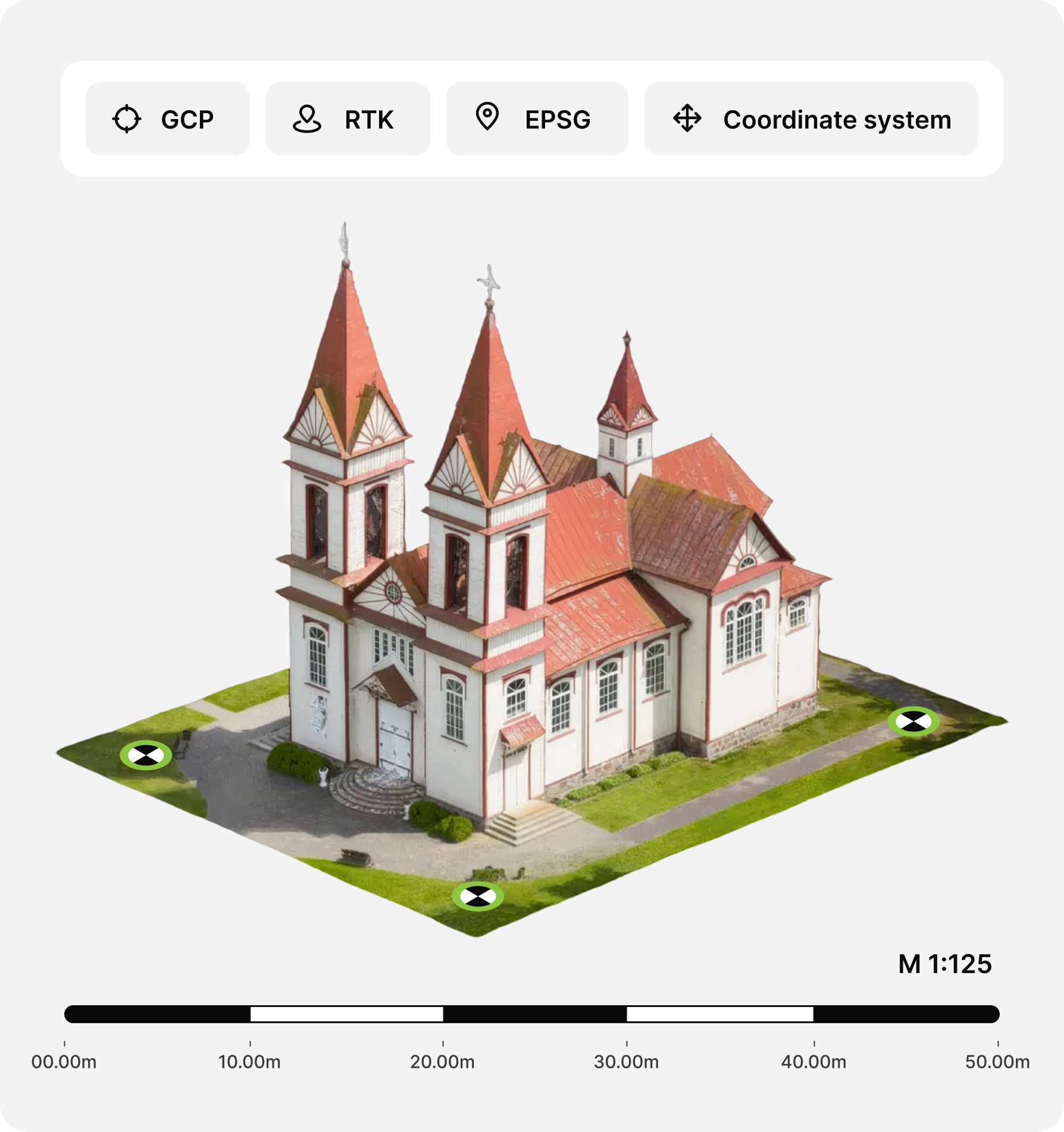
Pixpro supports every standard referencing workflow — from internal (arbitrary) coordinates for non-georeferenced work, to GCP-referenced outputs for survey-grade absolute accuracy.
Your data, in every format you need.
Everything Pixpro generates can be exported in the industry-standard formats your GIS, CAD, and 3D tools expect. All export formats are available on every plan.
Import
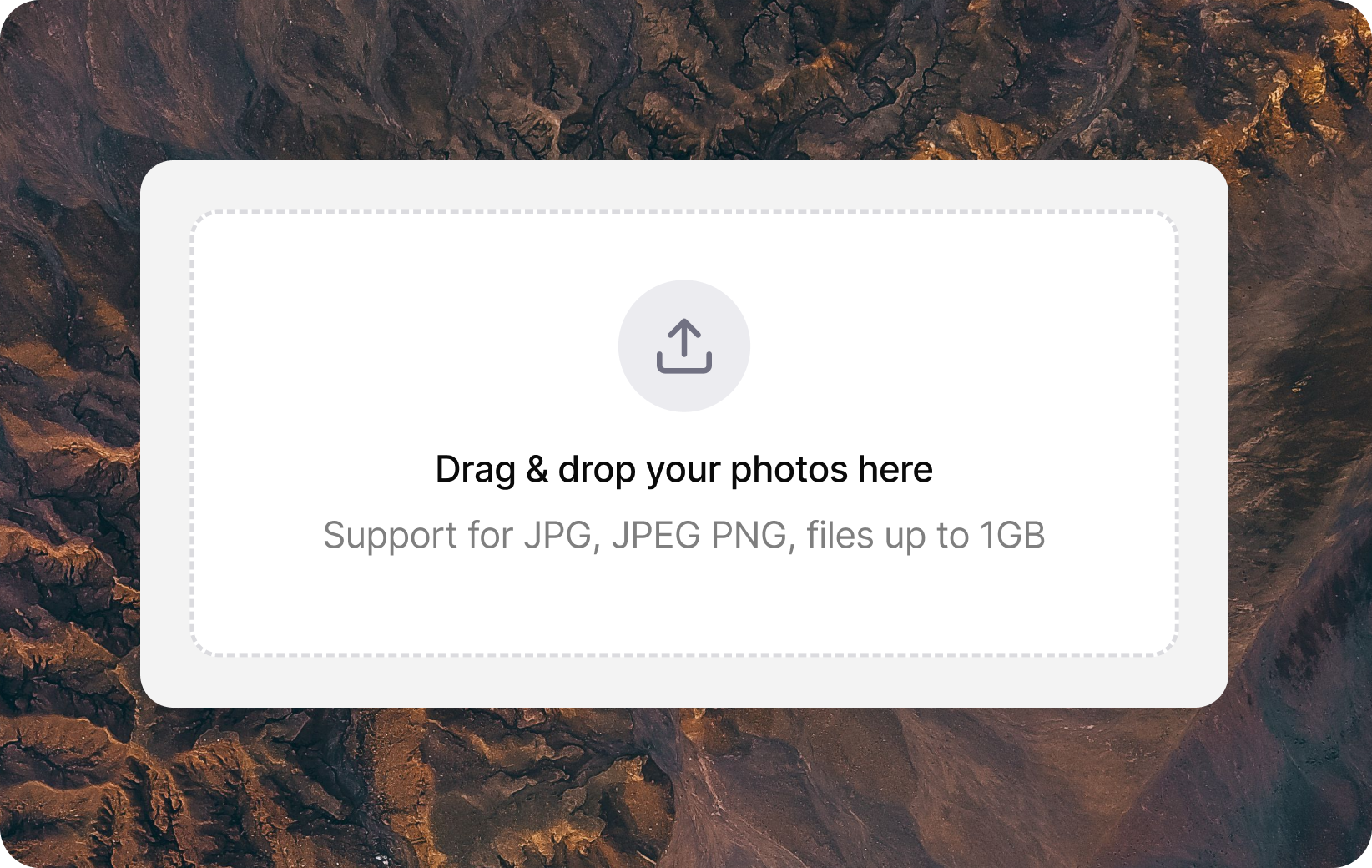
Import point clouds, meshes, DEMs, orthophotos and vector objects from external sources other Pixpro projects, survey instruments.
Export
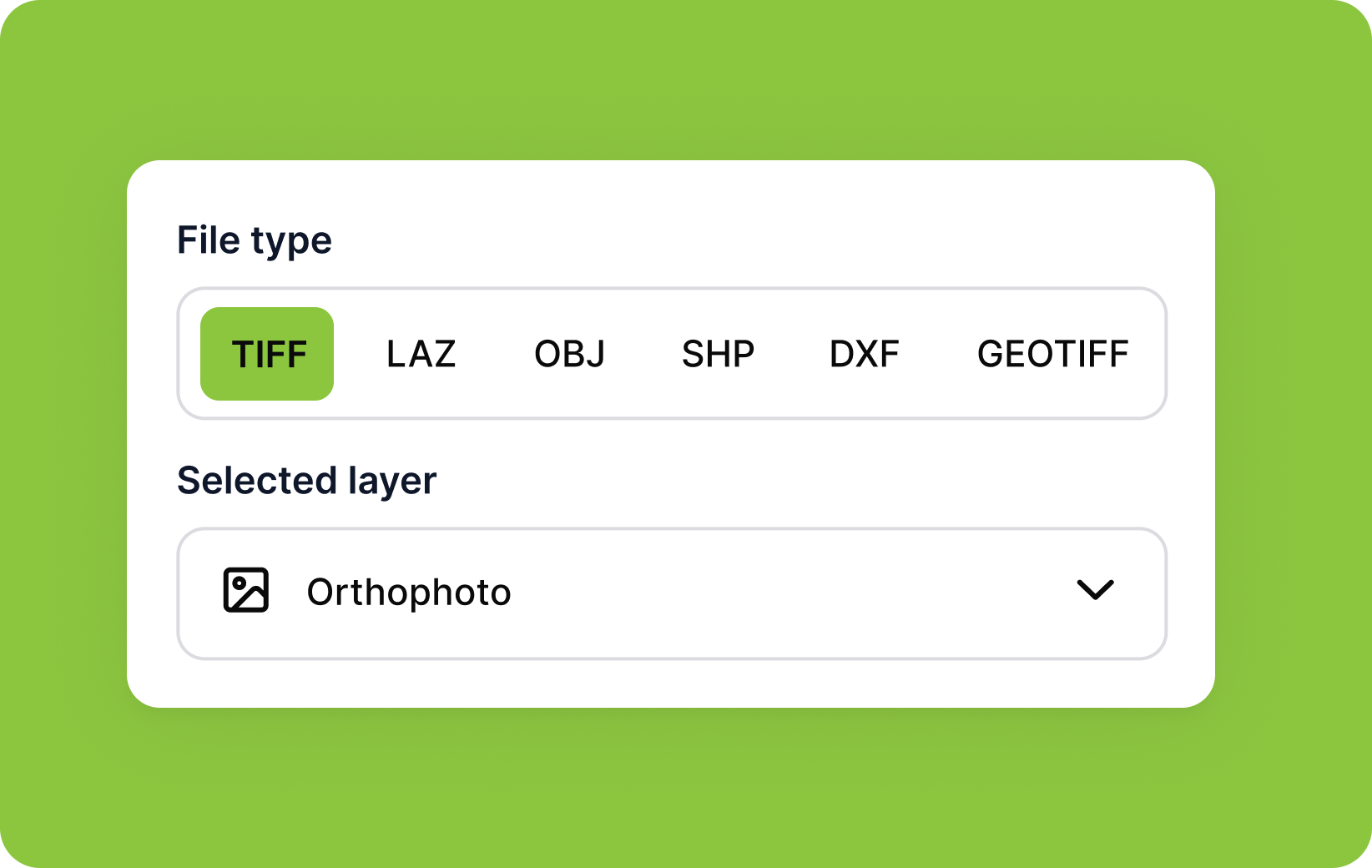
Export your dense point cloud in the format your downstream tool requires.
Share & Document
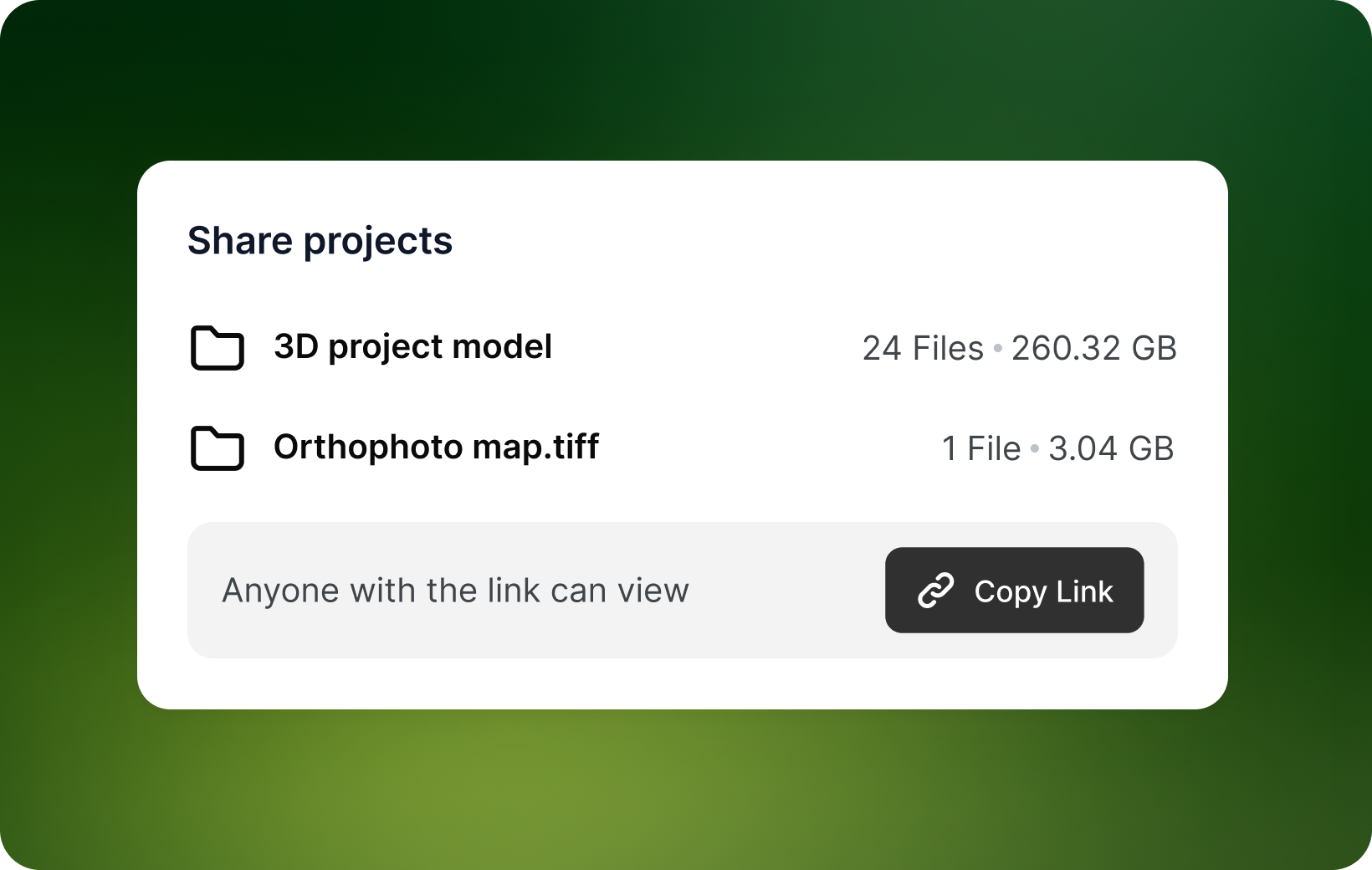
Publish a textured 3D model from a cloud-processed project and share it via a public link, no software required to view.
Process in the cloud or on your own PC.
Two processing modes, same results, different workflows. Choose based on your hardware, connectivity, and precision requirements.
Start using from
$6/month
Cloud processing
Upload your images and let Pixpro's servers do the work. No local hardware requirements beyond the client application.
Local (Offline) Processing
Process entirely on your own Windows PC, no internet connection needed during processing.
Upload your images and let Pixpro's servers do the work. No local hardware requirements beyond the client application.