.svg@webp)
Portrait Orientation in Photogrammetry: When It Actually Helps
 Lukas
Zmejevskis
Lukas
Zmejevskis
The Short Version
If you only have a minute:
-
Camera orientation is a minor, situational choice. It is never a dealbreaker or a dealmaker.
-
Portrait framing uses your pixels better on tall, narrow subjects like facades, towers, walls, and trees, because more of the sensor lands on the thing you care about.
-
It depends a little on your gear. A handheld camera or the Mini 5 Pro rotate to portrait with no fuss. The Mavic 4 Pro is more limited, since its gimbal tilt range shrinks in portrait mode.
-
The software does not care. Photogrammetry processes portrait, landscape, and even mixed sets exactly the same.
-
Every fundamental still applies unchanged. Overlap, coverage, sharpness, and exposure matter far more than which way the camera was turned.
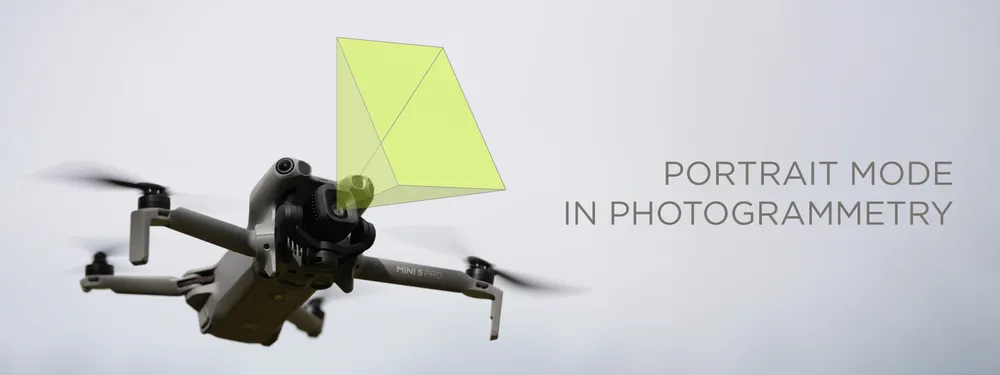
Both the Mini 5 Pro and the Mavic 4 Pro can shoot in a portrait orientation, and so can any handheld camera you care to turn on its side. This is a fairly recent drone trick: the DJI Mini 3 Pro was the first with a gimbal that rotates to true portrait, added for social media, since so much of what we shoot and watch now lives upright on a phone. Photogrammetry just gets to borrow the feature. So is there anything to gain by scanning in portrait instead of the usual landscape? Sometimes, a little. But orientation is one of the least important decisions you make on a scan, and it is worth understanding why before you give it any more thought than that.
Why Portrait Can Help (and When Landscape Wins)
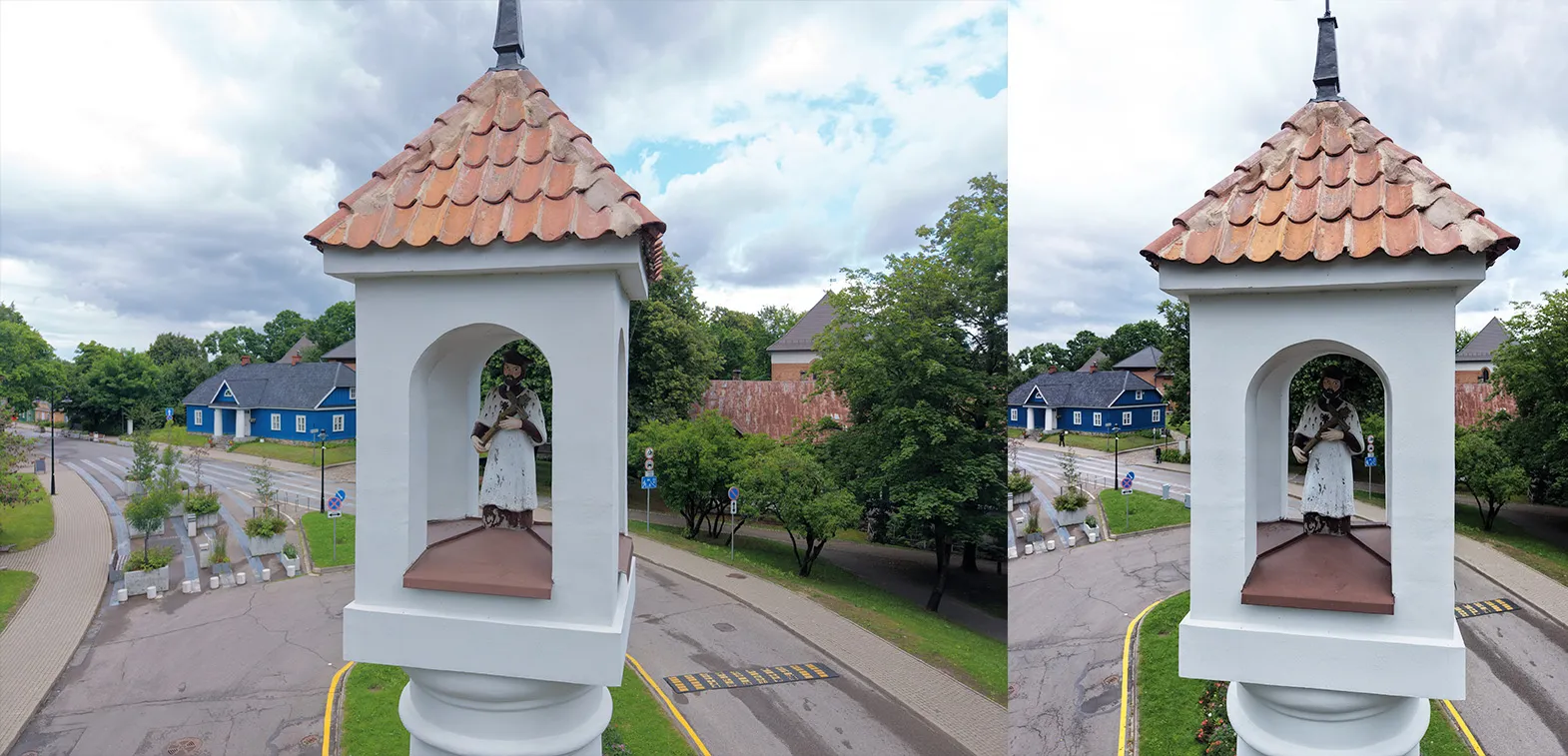
The one real advantage is how your pixels land on the subject. A camera sensor is a fixed budget of resolution, and a landscape frame spends a lot of that budget on whatever is to the left and right of your subject. Point a landscape frame at a tall, narrow thing, a facade, a tower, a chimney, a big tree, and you fill the middle with the subject and waste the sides on sky and surroundings.
Turn the camera to portrait and the frame now matches the shape of the subject. More of the sensor lands on the thing you are scanning, which means more useful detail per photo, and you hold your overlap up the height of the subject with fewer passes. For tall and narrow subjects, that is a genuine, if modest, efficiency win. Interiors are another easy case: a portrait frame captures floor and ceiling in a single shot, so you cover a room top to bottom with fewer passes. For a wide, flat subject like a field or a roof seen from above, portrait gives you nothing, and landscape or a normal nadir grid is the better fit.
It Depends a Little on Your Gear
Portrait capture is only as easy as your equipment makes it.
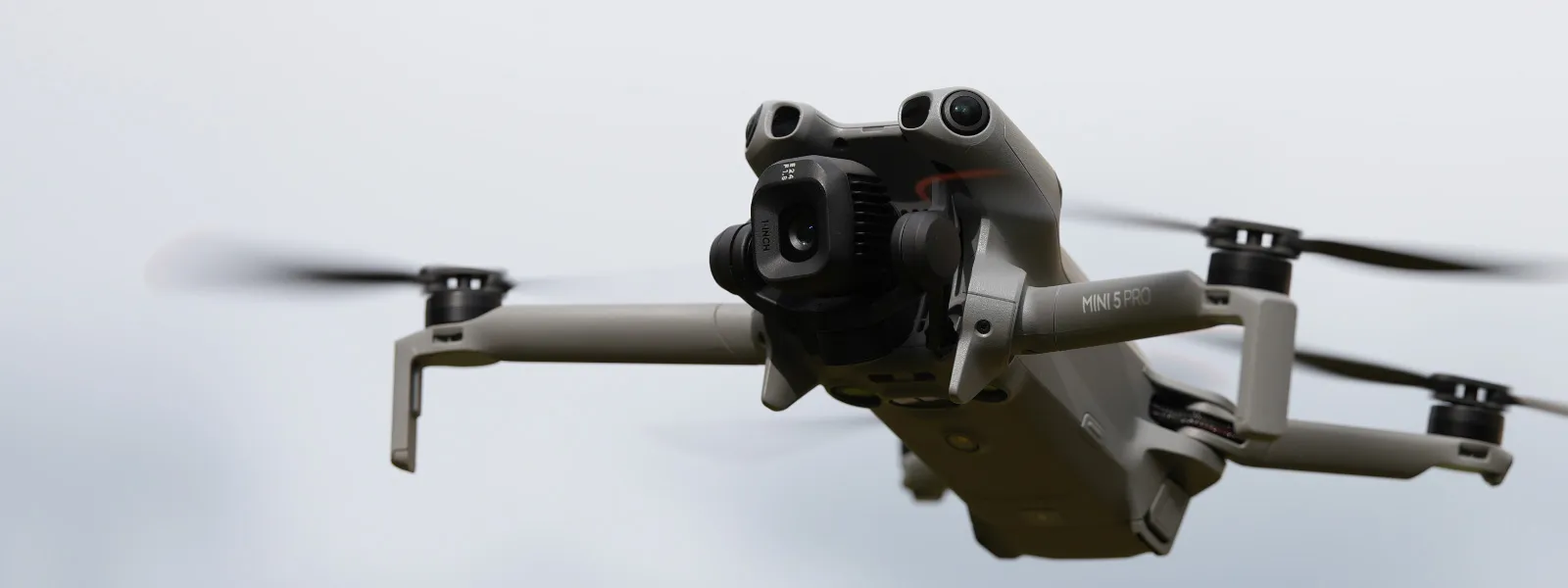
A handheld camera is the simple case: you just rotate it, exactly as I did in the interior construction scan, where portrait framing suited the tall walls. The Mini 5 Pro also rotates its gimbal to a true portrait orientation without any real compromise, so portrait scanning with it is painless.
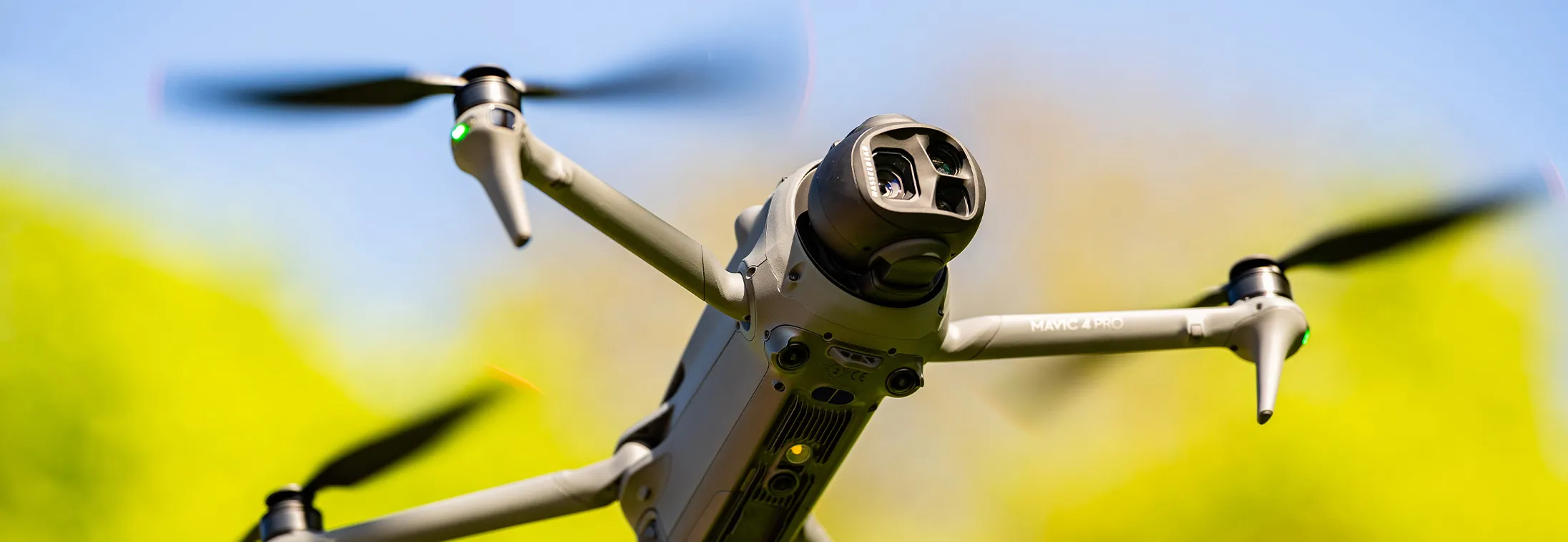
 The Mavic 4 Pro is the cautionary example. It can shoot in portrait, but in that mode the gimbal does not tilt up and down through anywhere near its full range, so you lose a lot of the angular freedom you would want for oblique coverage. On that drone, committing to portrait costs you flexibility that is often worth more than the framing itself. Know what your particular platform gives up before you plan a whole flight around it.
Worth being clear about one thing: portrait is really a manual or semi-automated technique. If you are flying an automated grid with a planner like Pixpro Waypoints, leave the camera in landscape and do not bother rotating it. The planner has already worked out coverage and overlap for that orientation, so turning the camera portrait just fights the math it did for you. Save portrait for the scans you are framing by hand.
The Software Does Not Care
Photogrammetry software does not know or care which way the camera was turned. Orientation is just how the frame is cropped out of the world; the reconstruction still works by matching features between overlapping images, and a feature is a feature whether the photo is tall or wide. You can even mix portrait and landscape photos in the same project and it will process them all the same.
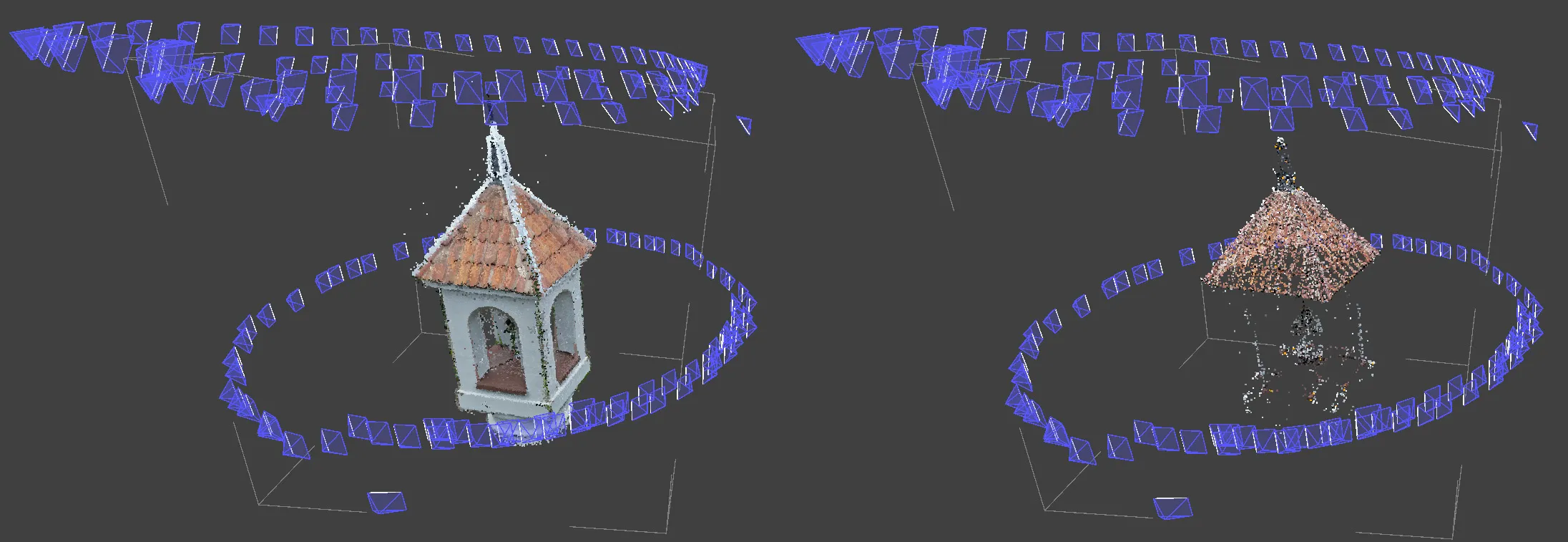
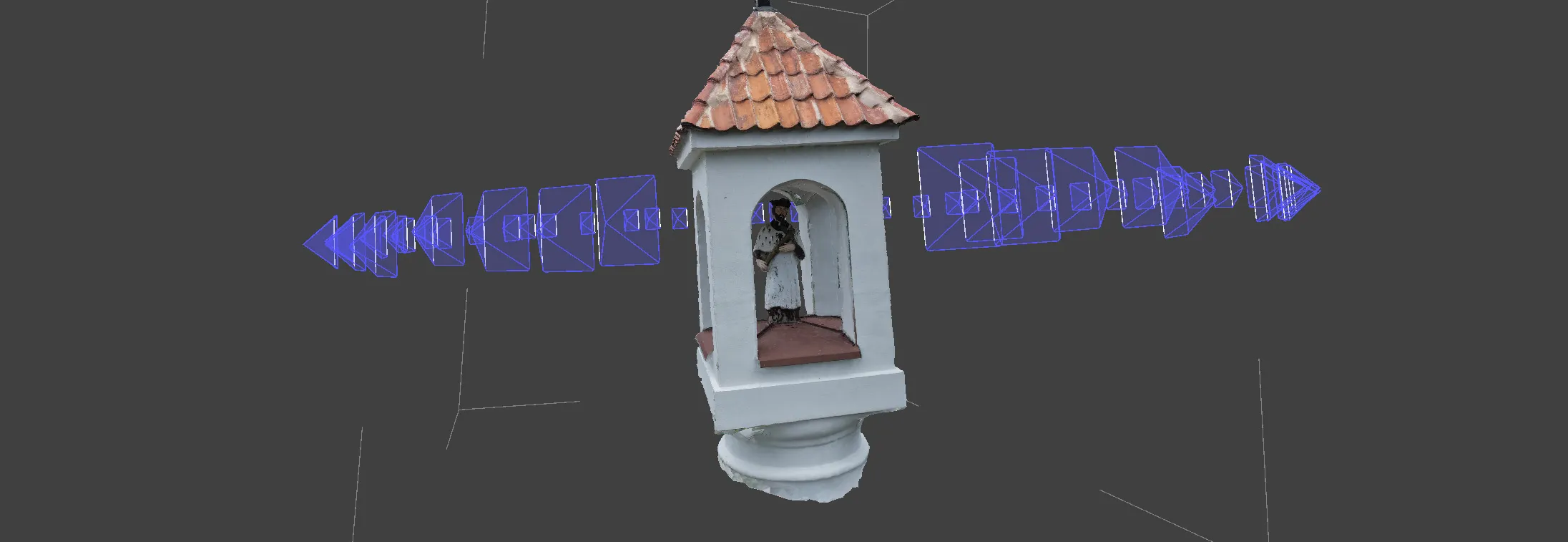
I ran a quick portrait scan of a tall subject through Pixpro on default settings to be sure. Nothing to report, which is the point. It aligned, reconstructed, and measured like any other set. Orientation is a capture-side convenience, not a processing variable.
The Fundamentals Do Not Change
Because the software treats portrait as business as usual, everything that actually determines quality is unchanged. You still need 80 percent overlap, now measured up and across a taller frame. One thing to watch, though: a portrait frame is narrower left to right, so when you move sideways it takes a smaller step to shift the same 20 percent of the frame. Tighten your spacing between photos accordingly, or you can quietly lose side overlap without noticing. You still need full coverage of every side that matters, sharp and correctly exposed photos, and a sensible buffer around the subject. Turning the camera on its side does not buy you a pass on any of it, and it does not put any of it at greater risk either. The rules are the rules in any orientation. For the specific settings, the photogrammetry settings checklist still applies exactly as written.
Conclusion
So should you shoot in portrait? If your subject is tall and narrow and your gear rotates to portrait without giving up important tilt range, then yes, it is a small, free improvement worth taking. If your subject is wide, or your drone fights you in portrait mode, do not bother. Either way you will get a good model, because the reconstruction does not hinge on it.
That is really the whole message. Camera orientation is a nice optimization to reach for when the situation invites it, and nothing to lose sleep over when it does not. It sits near the bottom of the list of things that decide whether a scan succeeds, well below overlap, coverage, and image quality. Use it when it helps, ignore it when it does not, and spend your attention where it actually pays off.
Frequently Asked Questions
Does shooting in portrait orientation improve photogrammetry results?
Only situationally. For tall, narrow subjects it puts more of your sensor on the subject, which helps a little. For wide or flat subjects it does nothing. It is a minor optimization, not a general improvement.
Can I mix portrait and landscape photos in one project?
Yes. The software matches features regardless of orientation, so a mixed set processes the same as a uniform one.
Which orientation is best for scanning a building facade or a tower?
Portrait, if your gear allows it comfortably. Tall, narrow subjects are exactly the case where portrait framing uses your resolution most efficiently.
Does portrait orientation change the overlap or coverage I need?
No. You still want about 80 percent overlap and full coverage of the subject. Orientation changes the shape of the frame, not the fundamentals.
Photographer - Drone Pilot - Photogrammetrist. Years of experience in gathering data for photogrammetry projects, client support and consultations, software testing, and working with development and marketing teams. Feel free to contact me via Pixpro Discord or email (l.zmejevskis@pix-pro.com) if you have any questions about our blog.
Related Blog Posts
Our Related Posts
All of our tools and technologies are designed, modified and updated keeping your needs in mind
Satellite, Airplane, Drone: The Three Scales of Photogrammetry
Most of what we write about here happens below 120 meters. But photogrammetry did not start with drones and it does not stop with them.
 Pixpro Team

Photogrammetry Gear Guide 2026: What a Complete Setup Actually Costs
Nobody buys a camera and then does photogrammetry with it. You need something to capture with, something to process with, and something to process on, and this year the third one is the most interesting decision of the three.
Pixpro Team

What Photogrammetry Software Actually Costs in 2026
Pricing pages in this industry are a mess. Some publish a number, some hide behind "contact sales", some quote a monthly figure that only applies if you pay a year up front, and several sell the processing separately from the software that does the processing.
Pixpro Team
Ready to get started with your project?
You can choose from our three different plans or ask for a custom solution where you can process as many photos as you like!
Free 14-day trial. Cancel any time.