.svg@webp)
When Photogrammetry Is the Wrong Tool
 Lukas
Zmejevskis
Lukas
Zmejevskis

Photogrammetry has many use cases and is being used more and more across different industries. However, like all things, the photogrammetric process is not all-powerful and does have limitations. In this blog, I usually explore new areas where photogrammetry might be useful and explain why that is the case. This time, however, I will share my experience with situations where photogrammetry is downright impossible, and where it may not be the preferred method for 3D scanning.
Moving and Unstable Surfaces – The Fundamental Limitation
Photogrammetry fundamentally assumes that the scene does not change between overlapping images. Once something moves, even slightly, the reconstruction starts to break. Only the camera can, and must, move. This includes obvious cases like people, cars, or vegetation in the wind, but also less obvious ones such as reflections on water or glass. Reflections change with every angle, which makes them behave like moving geometry and therefore unsuitable for scanning.
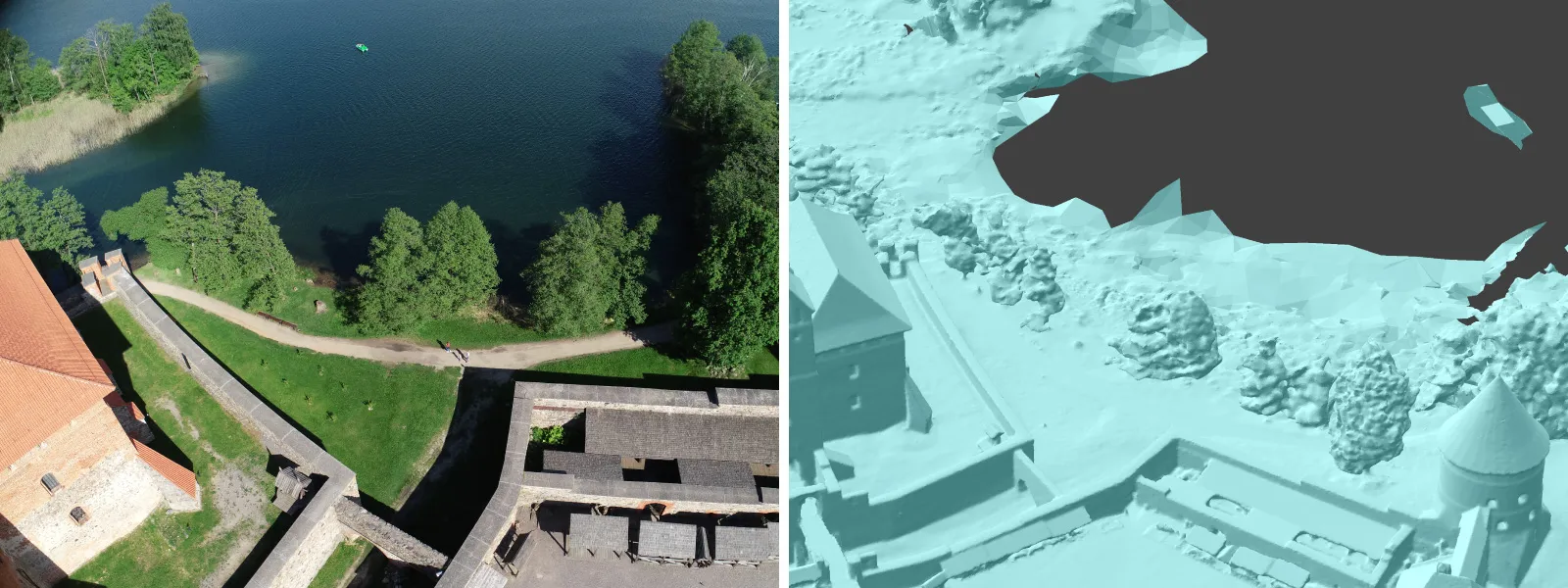 I tried scanning a person who was attempting to remain completely still in ideal conditions, and even that produced subpar results.
Read more: Human Photogrammetry with Single Camera
At the extreme, this is why you cannot realistically scan an ocean surface or a mirror. Even if it looks stable to the eye, it is not stable to the algorithm. In practical terms, this affects use cases such as coastal mapping, urban scenes with glass buildings, or construction sites with moving machinery. Some parts of the scene may reconstruct, but unstable areas will introduce noise or completely incorrect geometry. A commonly overlooked example is treetops. Trees may seem stable, but leaves create movement even in barely noticeable wind. This is why forest photogrammetry can be difficult.
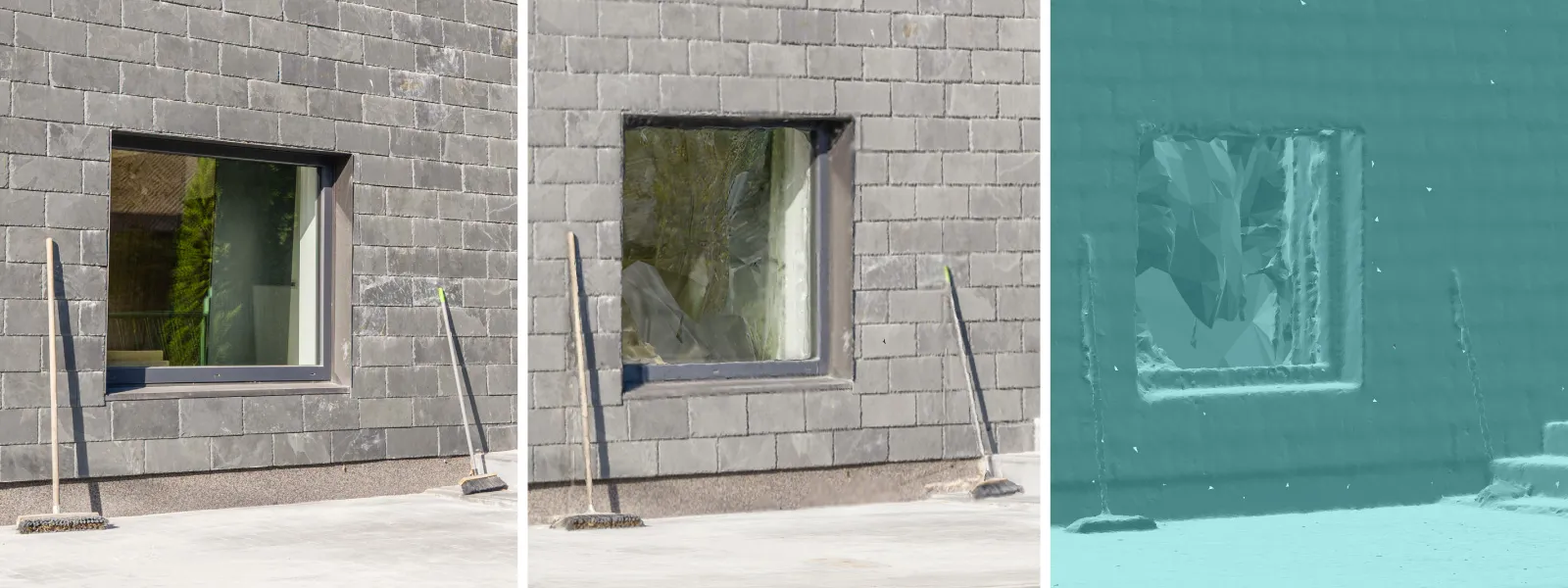 Practical Limitations and Edge Cases
Low Texture Surfaces
Photogrammetry relies on identifying and matching visual features. Surfaces that lack texture, such as white walls, new asphalt, snow, or uniform roofs, do not provide enough information for reliable matching. Even with high overlap, the software struggles to anchor points in space.
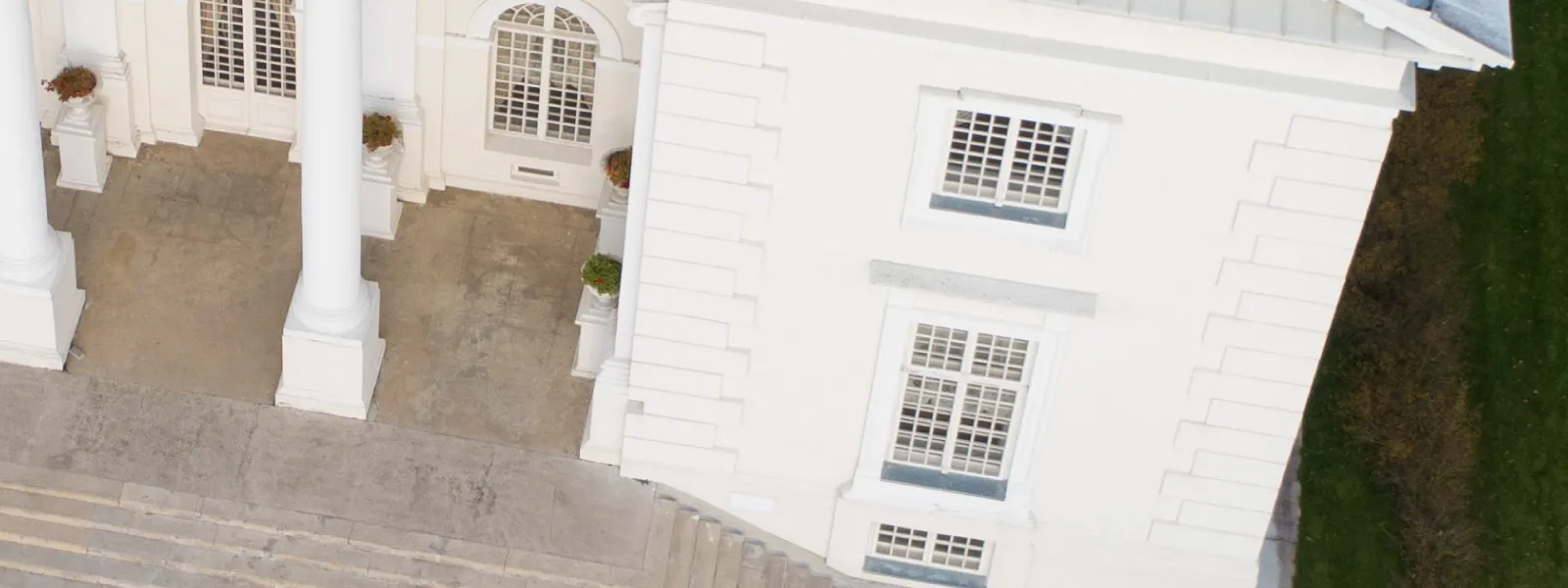 This becomes a problem in use cases such as building facades with clean finishes, warehouse interiors, or agricultural fields at certain stages. The result is often incomplete or unstable reconstruction, especially in large uniform areas. This is likely the most common limitation after the fundamental one.
Thin and Complex Geometry
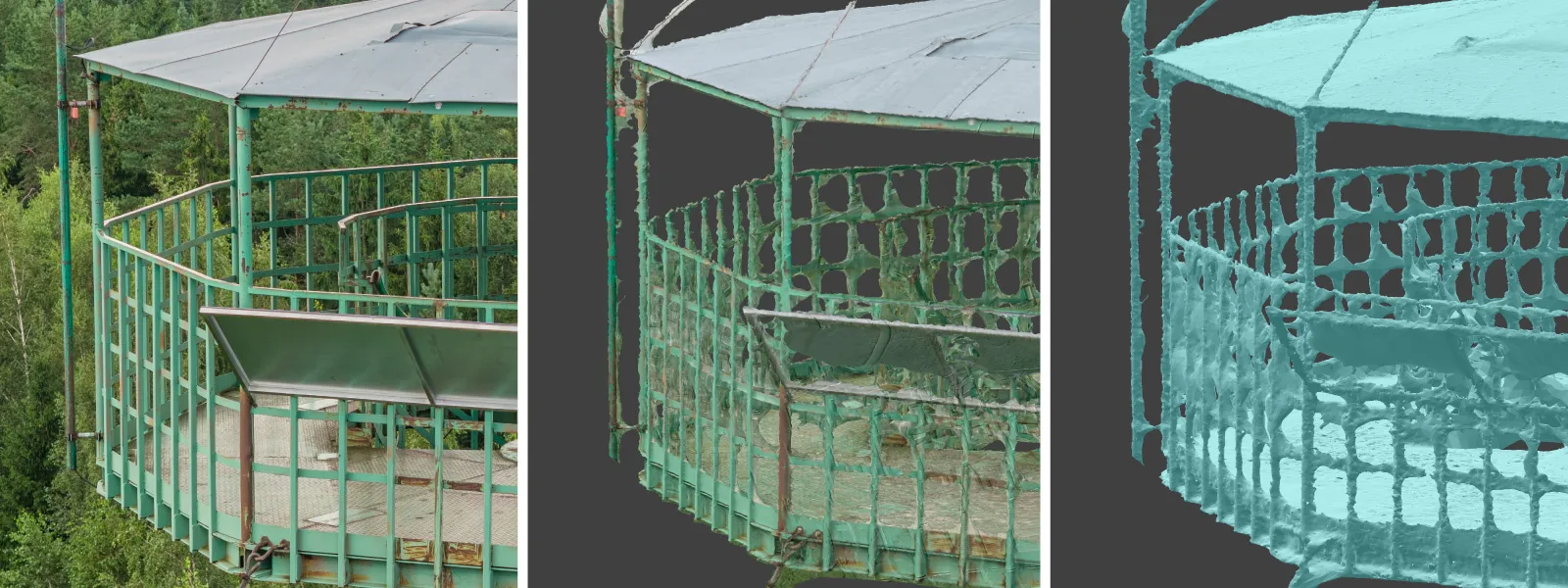
Very thin objects and highly detailed structures are difficult to reconstruct accurately. Wires, fences, antennas, and small branches often disappear or become distorted. This is due to both image resolution limits and smoothing during reconstruction.
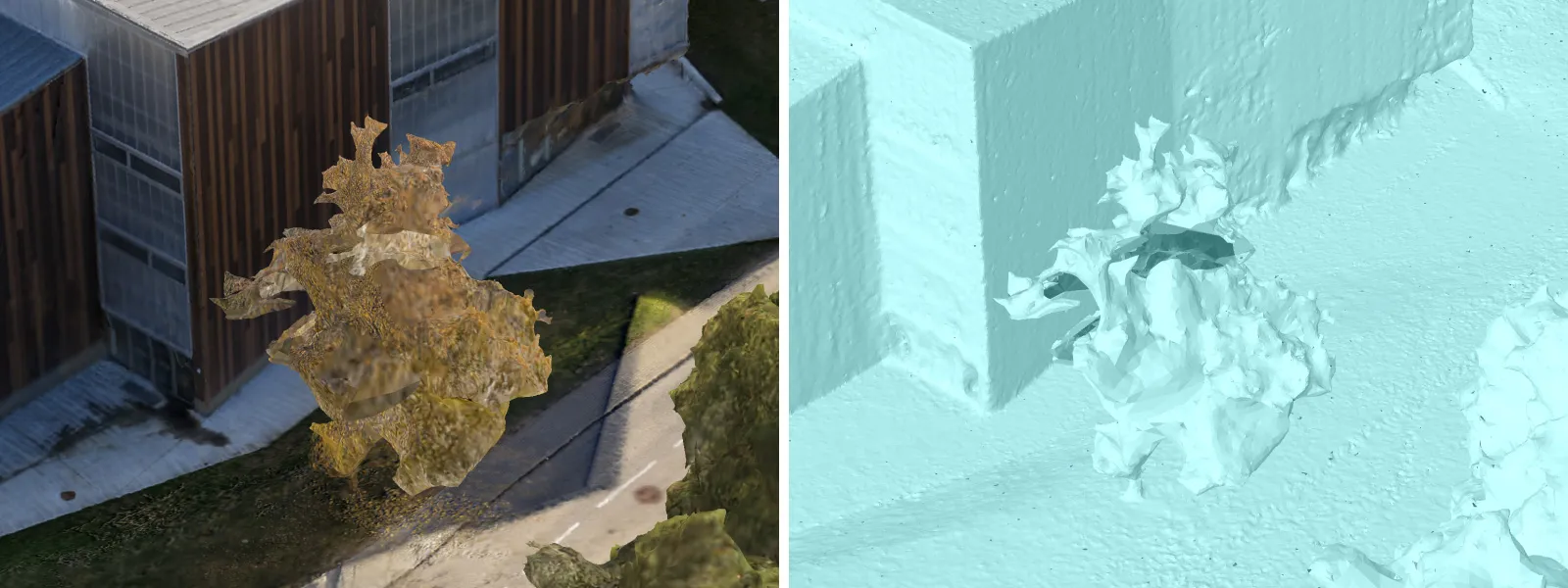 This limitation is important in infrastructure inspection, power line mapping, or vegetation analysis. Even if these elements are visible in images, they are rarely reliable in the final model. These types of objects can also be problematic for other 3D scanning methods such as LiDAR, although usually to a lesser extent.
 Lighting and Dynamic Range
Lighting conditions directly affect image quality and feature detection. Low light introduces noise, while strong shadows and high contrast reduce usable detail. Overexposed or underexposed areas lose information entirely. Using modern high-quality cameras, such as the Sony A7V, can help mitigate this issue for terrestrial scanning, while drones like the DJI Mavic 4 Pro offer strong aerial image quality.
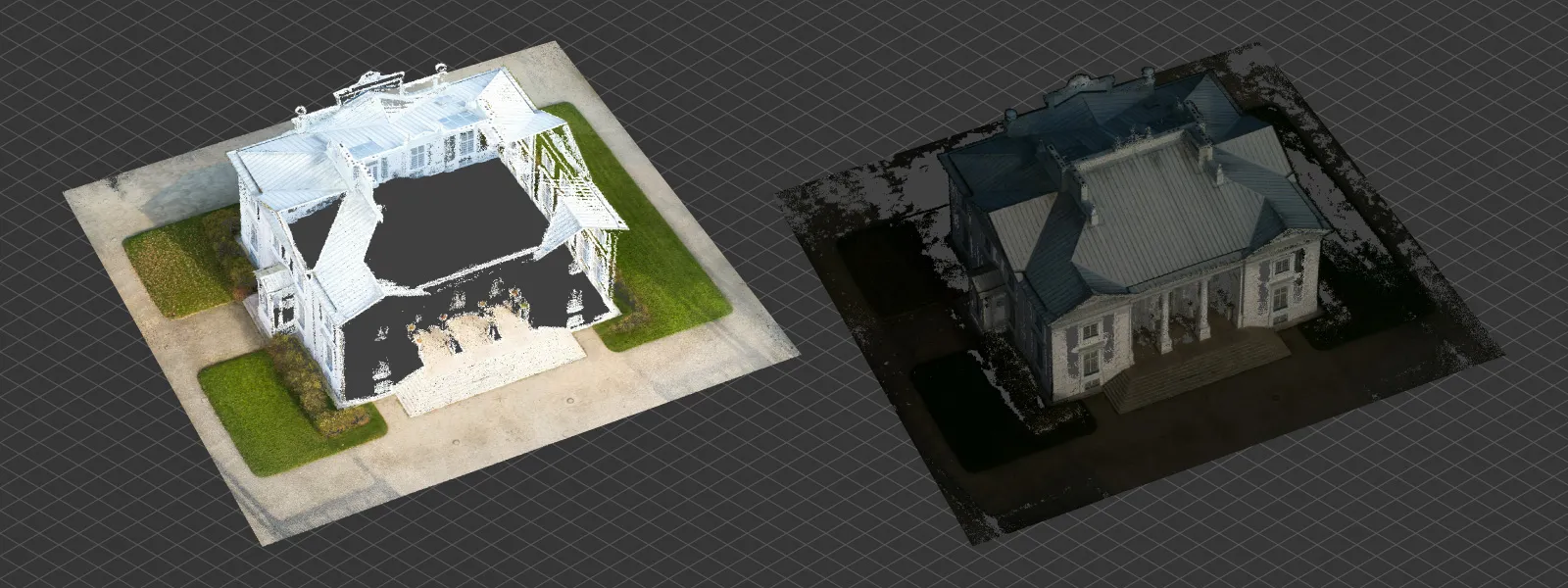 The requirement for high-quality input data impacts indoor scanning without proper lighting, night-time capture, or scenes with harsh sunlight and deep shadows. Even with good planning, results can be inconsistent. When lighting can be controlled, it adds complexity, but well-designed lighting setups can resolve many of these issues.
Scale and Accuracy Requirements
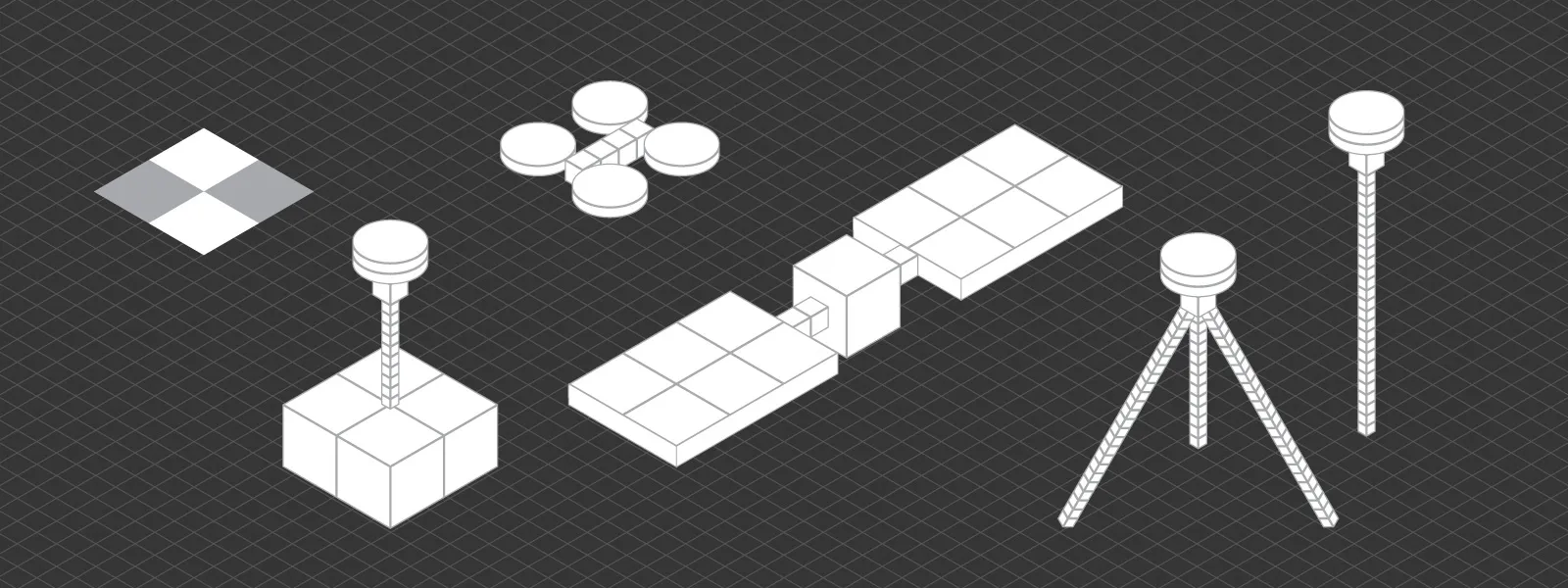
Photogrammetry can produce visually convincing models that are slightly incorrect in scale or geometry. Without proper reference data, such as control points or known distances, small errors can propagate across the entire model.
Read more: Relative vs Absolute Accuracy in Photogrammetry
This becomes critical in surveying, engineering, or any workflow where measurements must be precise. A model that looks correct is not necessarily accurate enough for decision making. With proper referencing, accuracy can be improved significantly, but this introduces additional setup and complexity.
 When Photogrammetry Becomes Inconvenient
Interiors and Tight Spaces
Photogrammetry can work indoors, but it quickly becomes inefficient. Limited space, lack of texture, and complex lighting conditions make capture more difficult. You often need many images, careful movement, and additional lighting to achieve usable results.
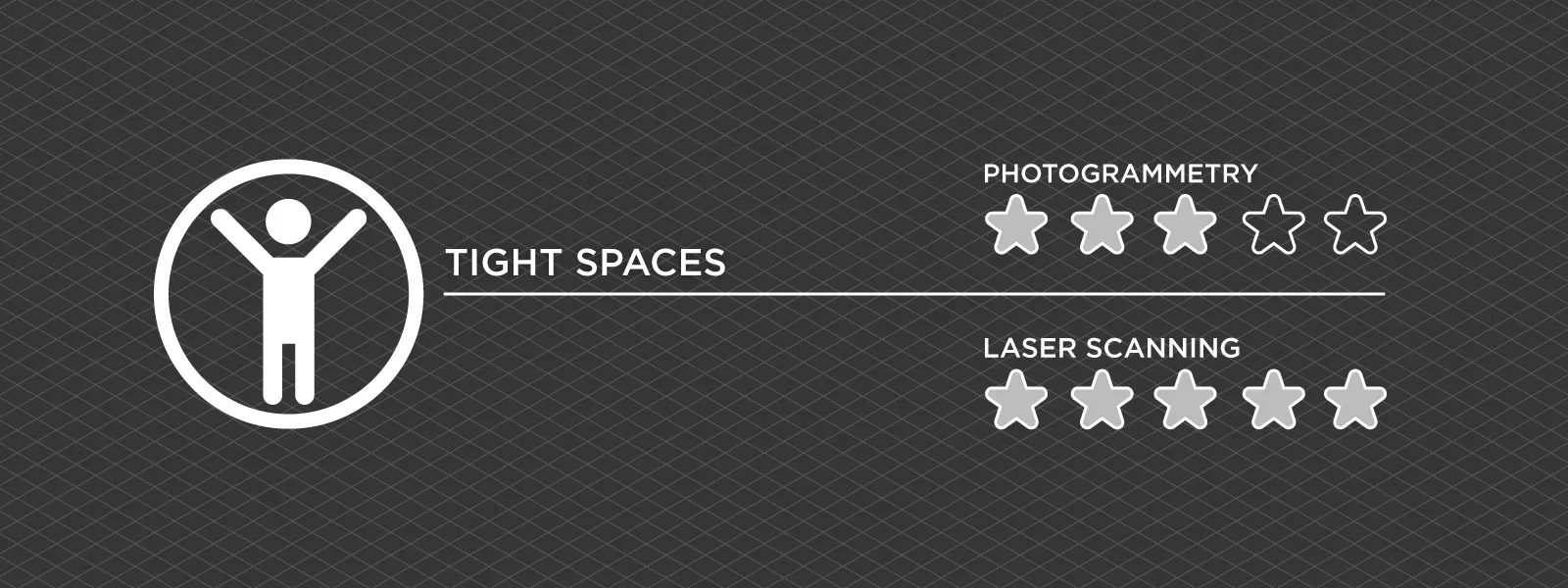 In these scenarios, handheld scanning or laser-based methods are often more straightforward and faster to deploy. Industrial environments and factory spaces are good examples, especially when BIM models are required and surfaces may be uniform or reflective.
Repetitive or Time-Critical Work
Photogrammetry requires planning, capture, and processing time. If the same type of object or environment needs to be scanned repeatedly, or if results are required quickly, this workflow can become a bottleneck.
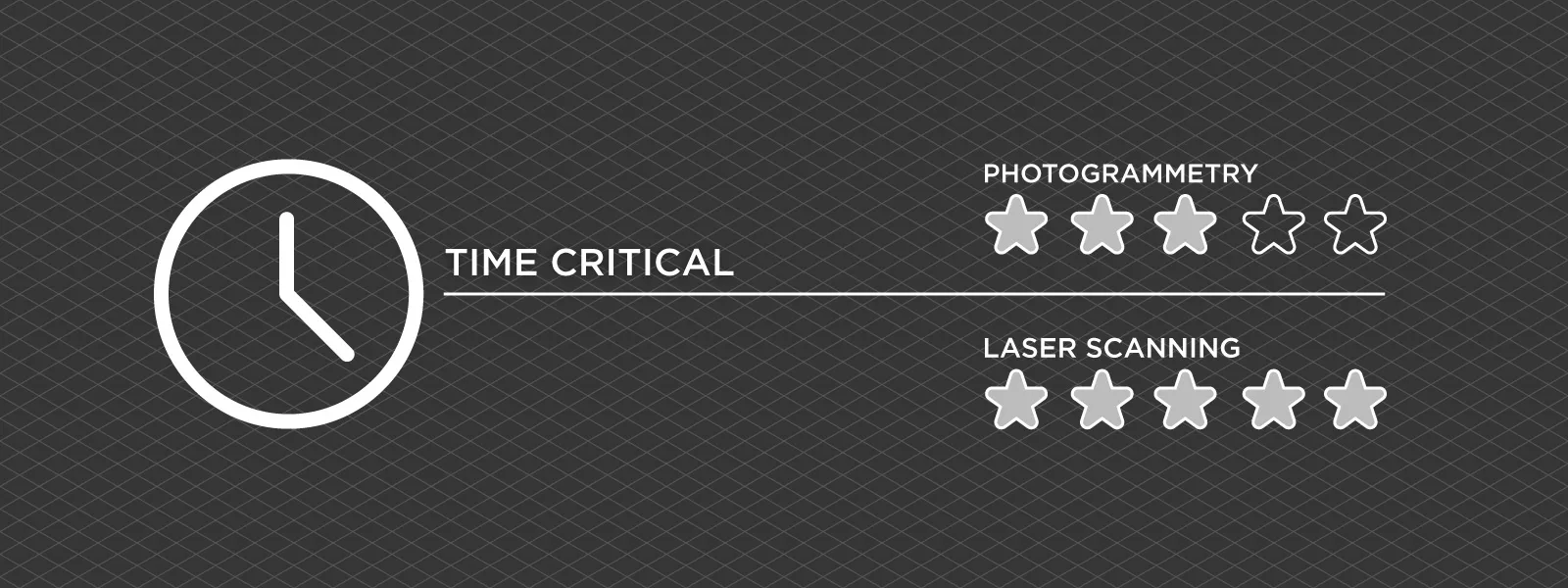 Examples include routine inspections, industrial workflows, or rapid documentation tasks. In such cases, faster but less flexible methods may be more practical. If a quick decision is required, photogrammetry may not be the most efficient option. Dedicated 3D scanning equipment can provide near real-time results in these scenarios.
Quick High Precision Workflows
When very high precision is required, photogrammetry often needs additional setup, such as ground control points or careful camera and lens calibration. This increases complexity and reduces speed.
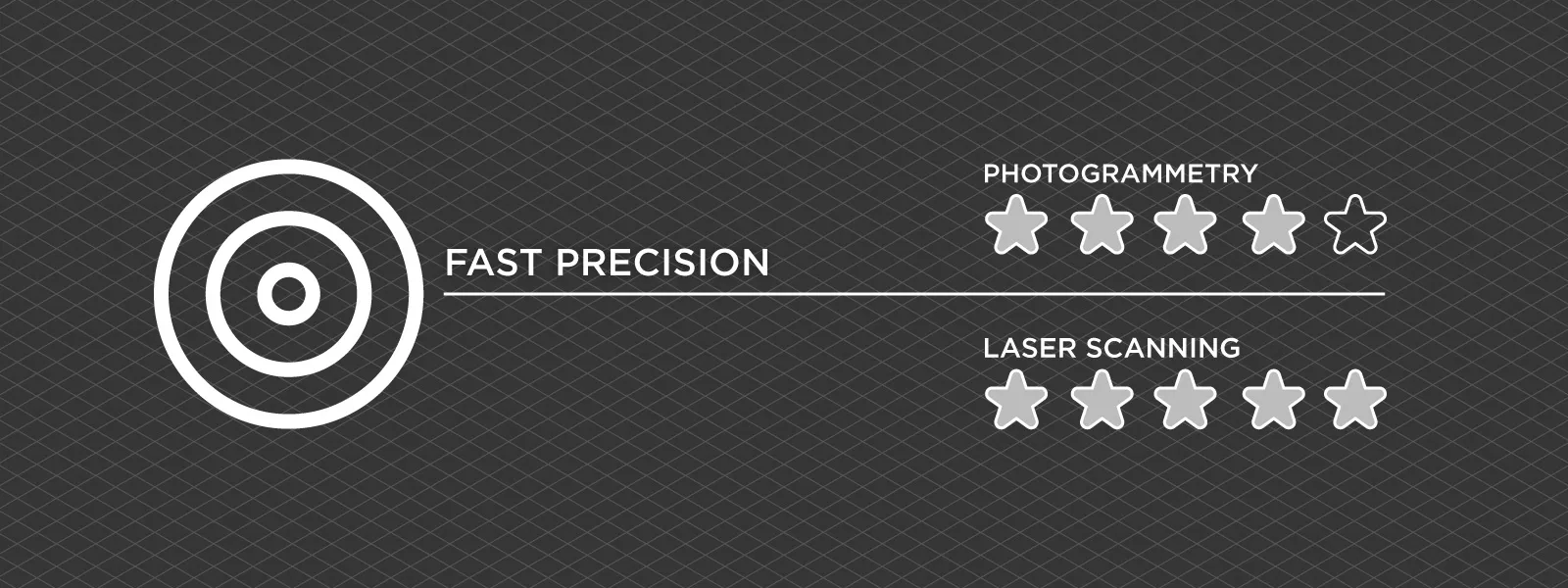 In surveying or engineering projects, laser scanners or total stations can provide more direct and predictable accuracy with less iteration. They also offer real-time feedback during capture. This comes at a higher equipment cost, but for large-scale or high-value work, the trade-off is often justified.
Conclusion
Photogrammetry works best in stable, well-textured, and well-lit environments. Outside of those conditions, results can become less reliable or the workflow less efficient. Understanding these limitations is not about avoiding photogrammetry, but about knowing when it will perform well and when another tool will produce better results.
Photogrammetry remains one of the most accessible and cost-effective 3D scanning methods. When used in the right conditions and with the correct workflow, it can deliver highly competitive results without requiring specialized equipment.
Photographer - Drone Pilot - Photogrammetrist. Years of experience in gathering data for photogrammetry projects, client support and consultations, software testing, and working with development and marketing teams. Feel free to contact me via Pixpro Discord or email (l.zmejevskis@pix-pro.com) if you have any questions about our blog.
Related Blog Posts
Our Related Posts
All of our tools and technologies are designed, modified and updated keeping your needs in mind
Shutter Speed, ISO and Motion Blur in Drone Photogrammetry, Part 2: The Roof Test
This is the practical part. Same roof, same orbit, seven times, from high ISO and a fast shutter down to low ISO and a shutter so slow it has no business producing a 3D model.
 Pixpro Team
Pixpro to Gaussian Splatting: How to Export Your Project to Postshot
Gaussian splatting is no longer a curiosity. People are using it for walkthroughs, marketing visuals, virtual environments, and increasingly as a pretty companion to a scan they already flew.
Pixpro Team

The Top 10 Pixpro Blog Articles So Far
We have been publishing on this blog every week for years now, on everything from stockpile volumes and coordinate systems to scanning a cake. So it seemed like a good time to look at the numbers and see which posts people actually read, rather than which ones we enjoyed writing.
Pixpro Team
Ready to get started with your project?
You can choose from our three different plans or ask for a custom solution where you can process as many photos as you like!
Free 14-day trial. Cancel any time.