.svg@webp)
Workstation PC 2026 – PC Build Hardware Advice
 Lukas
Zmejevskis
Lukas
Zmejevskis
The Short Version
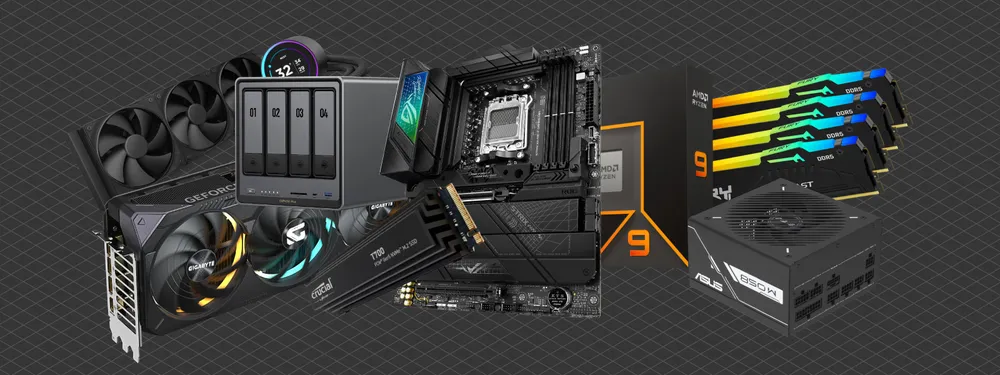
If you only have a minute, here is the state of things in 2026:
-
It is a frozen year for performance and a brutal one for prices. If you built in 2024 or 2025, there is nothing here worth upgrading for.
-
CPU: still Zen 5 on AM5. Ryzen 7 9700X for entry, Ryzen 9 9900X for balanced, Ryzen 9 9950X for high-end. No new desktop generation arrived this year.
-
GPU: a frozen market too. Buy a current NVIDIA RTX 50 or AMD RDNA 4 card (the RX 9070 XT is the value pick). Do not wait for an RTX 50 Super, it was shelved.
-
RAM and storage are the real story. An AI-driven memory shortage has roughly tripled DDR5 prices and more than doubled SSD prices, with no real relief expected before 2027.
-
The advice: buy only the capacity you actually need, buy it now rather than later, and skip the headroom you will not use.
Another year, another look at the workstation PC market. The thing is, last year's advice still mostly stands, and that tells you everything about 2026. Almost nothing got faster, and almost everything got more expensive. There is no new desktop CPU generation, no new graphics cards from either AMD or NVIDIA, and the one real headline is that the memory market caught fire. So this year the advice is less about chasing performance and more about spending sensibly while half the parts bin is on backorder.
As before, this is not a screw-by-screw assembly guide. It is the three tiers, Entry, Balanced, and High-End, with the parts that make sense right now for photogrammetry and similar professional work, without wandering into the high-end workstation class, the AMD Threadripper and Intel Xeon chips that cost more than a whole sensible build.
CPU – Still Zen 5, and That is Fine
Nothing changed at the top of the desktop stack. Zen 6, the next AMD generation, slipped to 2027, so the Ryzen 9000 series on the AM5 socket is still what you buy. AMD has confirmed AM5 support runs through 2029, so the platform is not a dead end.
-
Entry: the Ryzen 7 9700X (8 cores, 16 threads) is still the efficient all-rounder, and it will chew through datasets in the tens of thousands of images without complaint.
-
Balanced: the Ryzen 9 9900X (12 cores, 24 threads) remains the sweet spot for most professional work, with the sustained multi-core performance that photogrammetry actually rewards.
-
High-End: the Ryzen 9 9950X (16 cores, 32 threads) is the one to get if you process all day.
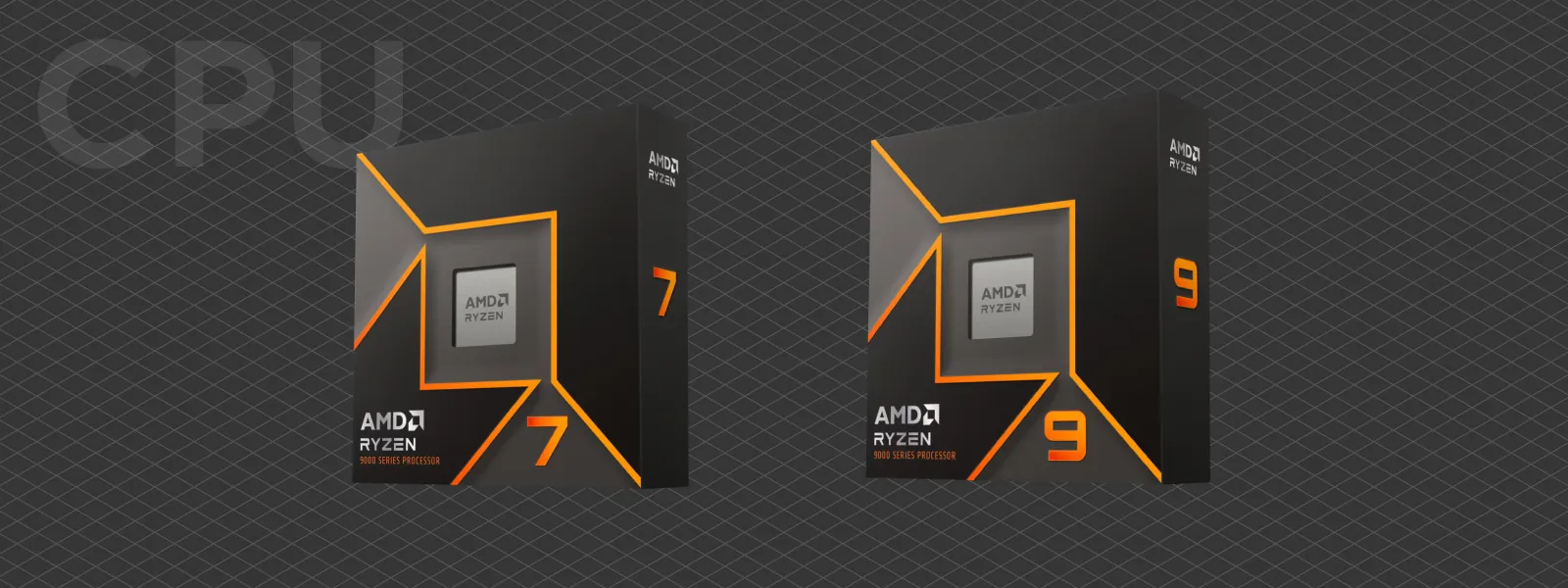 There is also the 9950X3D, but its extra 3D cache mostly helps games, not photogrammetry, so for our work the plain 9950X is the smarter spend. Intel's Core Ultra 9 285K is still the alternative if you prefer it, and it is still their flagship; the spring Arrow Lake refresh only touched the mid-range parts, and Nova Lake is not out yet. It just remains harder to find at a sensible price. And if your work leans on the GPU more than the CPU, drop to the entry chip and put the money into a graphics card instead.
Motherboards – Same Logic as Ever
Pick the board to match the CPU tier and do not overthink it.
-
Entry: a B650 board. Enough PCIe 5.0 for a main NVMe drive, solid power delivery, good value.
-
Balanced: B650E or X670 for better VRM cooling and more NVMe and expansion slots.
-
High-End: X670E for full PCIe 5.0 bandwidth and the sturdiest power delivery under long loads.
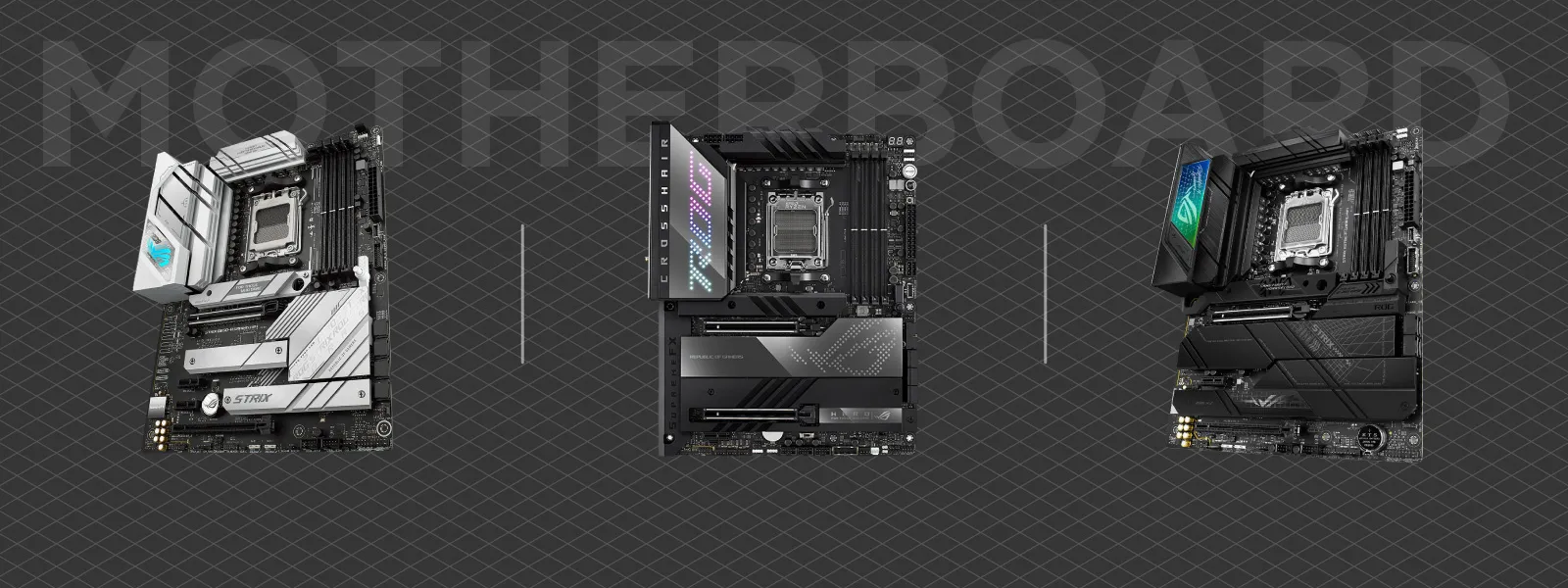 The newer 800-series boards (X870E, B850) exist and mainly add USB4, but a good 600-series board is still perfectly current. Spend on storage support, VRM quality, and a mature BIOS, not on RGB.
RAM – The Painful Part
Here is where 2026 hurts. A year ago I told you DDR5 was cheap and to load up. Forget that. A structural memory shortage, driven by AI data centers absorbing production for high-bandwidth memory, has pushed DDR5 prices up something like three to four times in under a year. A 32 GB kit that cost around 100 euros last summer can run several times that now, and analysts expect the squeeze to last into 2027 and beyond.
The sweet spot itself has not moved. For Ryzen, DDR5-6000 CL30 is still the stable, fast choice. What changed is the advice around it: buy the capacity you genuinely need today, not the capacity you might want in two years.
-
Entry: 32 GB DDR5-6000. Fine for most smaller projects and general use.
-
Balanced: 64 GB. Still the comfortable working minimum for professional datasets, if you can stomach the price.
-
High-End: 128 GB, but only if your projects truly demand it. It is the practical ceiling on most prosumer boards anyway.
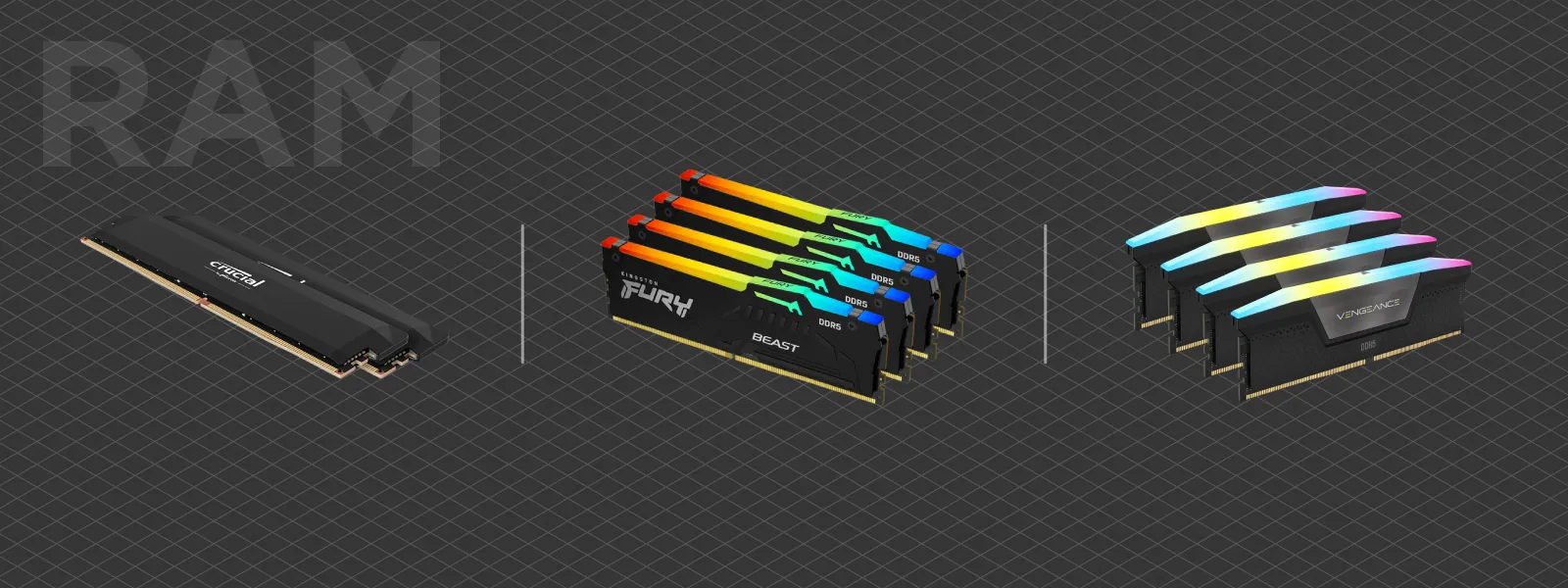 This is the one component where I would not buy ahead. Waiting will not save you either, since prices are climbing rather than falling, but there is no sense paying today's prices for RAM that sits empty.
Storage – Also Caught in the Crossfire
The same shortage hit flash. NAND prices have more than doubled, with 2026 production reportedly sold out, so SSDs are climbing right alongside RAM. The small upside is that PCIe 5.0 SSDs have finally matured and run cool enough to be worth using.
Good current drives are the WD Black SN8100 (the cool-running all-rounder), the Samsung 9100 Pro (the fastest), the Crucial P510 (the value Gen 5 pick), and the SK Hynix Platinum P51.
-
Entry: a 2 to 4 TB PCIe 4.0 NVMe for system and projects.
-
Balanced: a 4 TB PCIe 5.0 NVMe for active work, plus a PCIe 4.0 drive for secondary storage.
-
High-End: multiple PCIe 5.0 drives, plus a large HDD or a NAS for archive.
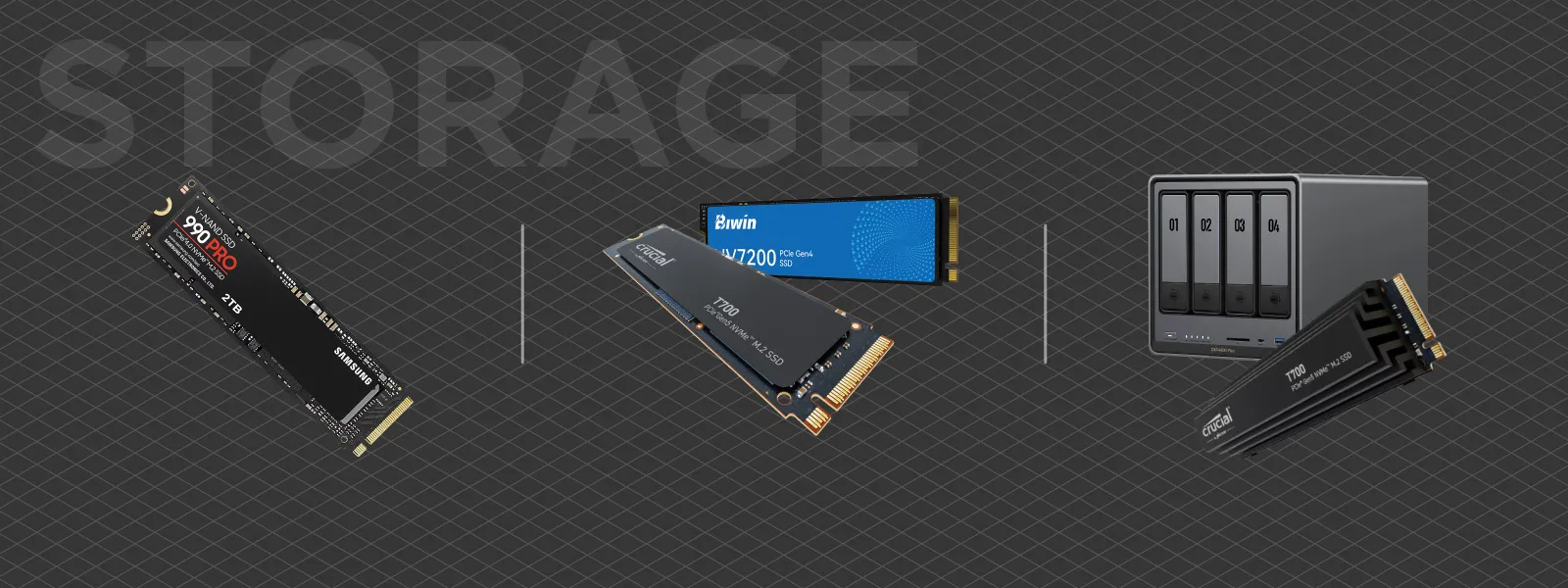 As always for photogrammetry, strong random read and write performance matters more than the headline sequential numbers. And as with RAM, buy what you need now rather than stockpiling at these prices.
Graphics Cards – A Frozen Market
The GPU world stood still in 2026. NVIDIA did not launch new gaming cards, and the long-rumored RTX 50 Super refresh, which was meant to add VRAM, was quietly shelved, partly because the same memory shortage made the extra memory uneconomical. So do not sit around waiting for a Super. What is on the shelf is what you get.
On the NVIDIA side, the current RTX 50 series:
-
Entry: RTX 5060 Ti 16 GB.
-
Balanced: RTX 5070 Ti 16 GB.
-
High-End: RTX 5080 16 GB. The RTX 5090 exists with 32 GB, but the price is as absurd as ever, and it is really only justified if you are VRAM-bound on enormous scenes.
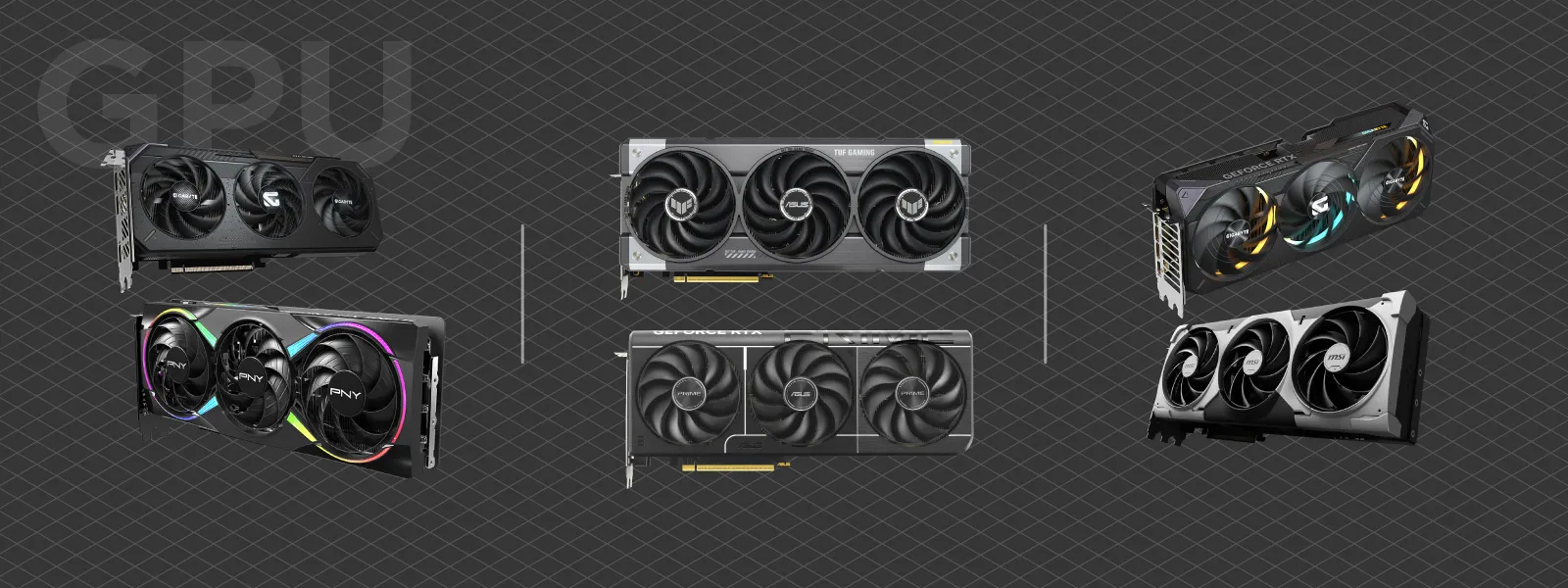 AMD finally has a current generation worth recommending. RDNA 4 brought the RX 9060 XT, RX 9070, RX 9070 GRE, and the RX 9070 XT (16 GB), which lands just behind the RTX 5080 for a lot less money. The catch is that RDNA 4 tops out at 16 GB, so if you need more video memory than that, your only real options are the 32 GB RTX 5090 or a last-generation 24 GB RX 7900 XTX.
The brand choice comes down to your software. If it needs CUDA, you need NVIDIA. If it uses open standards, AMD is often the better value. Pixpro photogrammetry software uses OpenCL, so either brand works just fine here.
Cooling, Power, and Cases
Nothing dramatic changed here, so the 2025 guidance holds.
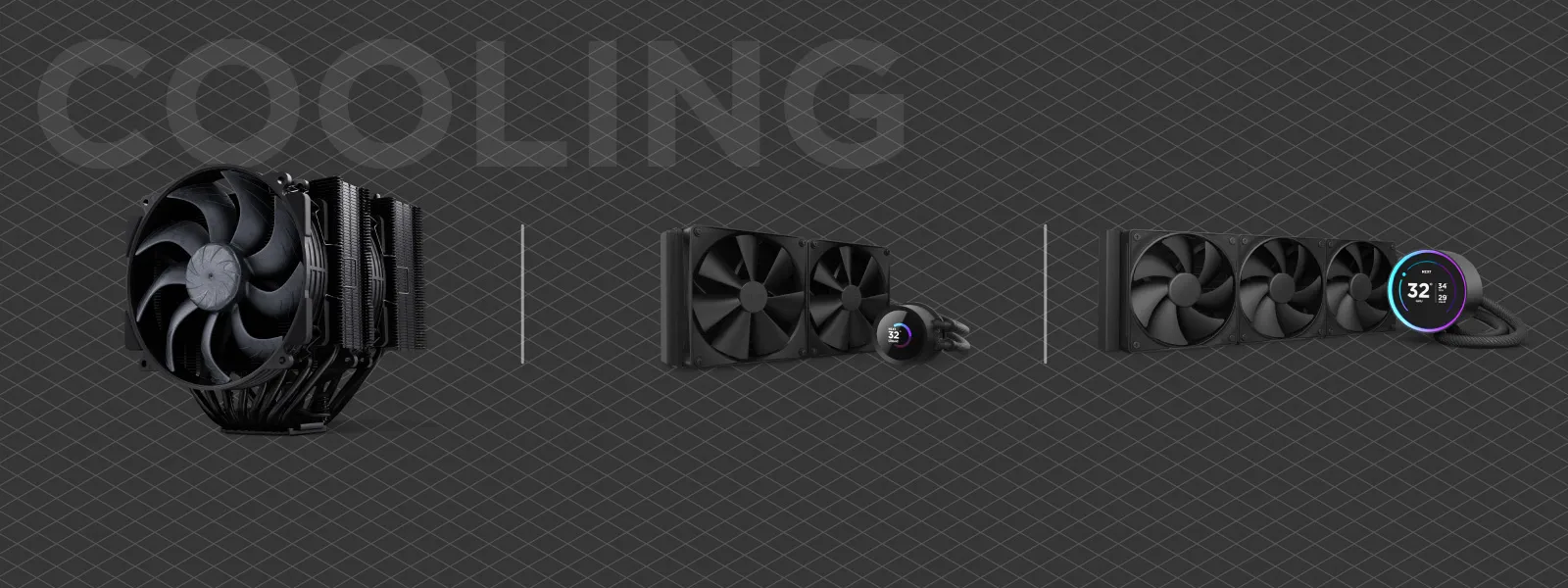
Cooling: a good air cooler (Noctua, be quiet!) for the entry chip, a 240 to 280 mm AIO or a top-end air cooler for the balanced build, and a 360 mm AIO for a 9950X under sustained load. Case airflow matters as much as the cooler itself.
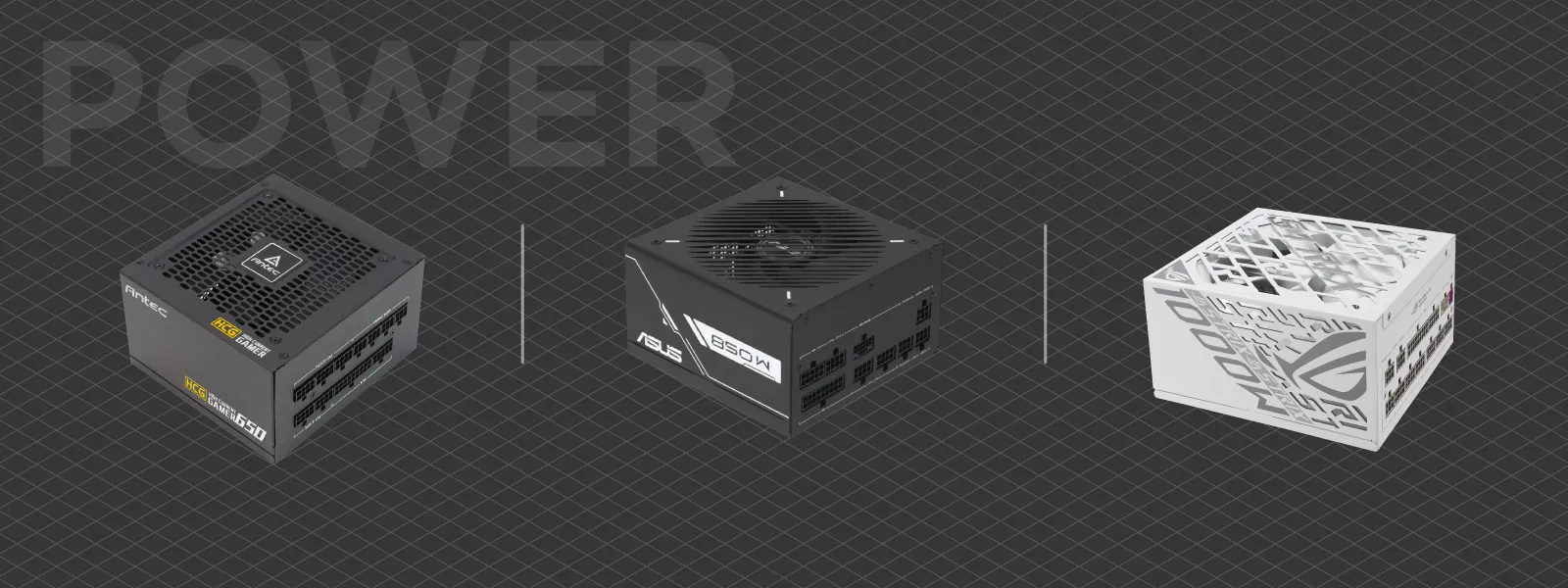
 Power supply: 650 to 750 W Gold for entry, 750 to 850 W for balanced, and 1000 W Platinum for a high-end build with a power-hungry GPU. Never cheap out here. Stick to Seasonic, Corsair, be quiet!, and the like.
 Cases: Fractal Design, Lian Li, and NZXT still make the obvious choices. Above a certain price you are paying mostly for looks, which is fine if the machine sits where you can see it.
 Build Examples for 2026
Entry – Efficient Starter
-
CPU: Ryzen 7 9700X
-
GPU: RTX 5060 Ti 16 GB or RX 9060 XT 16 GB
-
RAM: 32 GB DDR5-6000
-
Storage: 2 TB PCIe 4.0 NVMe
-
Board: B650
-
Cooling: high-end air
-
PSU: 650 W Gold
Balanced – All-Rounder
-
CPU: Ryzen 9 9900X
-
GPU: RTX 5070 Ti 16 GB or RX 9070 XT 16 GB
-
RAM: 64 GB DDR5-6000
-
Storage: 4 TB PCIe 5.0 NVMe plus 4 TB PCIe 4.0 SSD
-
Board: B650E or X670
-
Cooling: 280 to 360 mm AIO
-
PSU: 850 W Gold
High-End Pro – Within Reason
-
CPU: Ryzen 9 9950X
-
GPU: RTX 5080 16 GB, or RTX 5090 32 GB if you are VRAM-bound
-
RAM: 128 GB DDR5-6000
-
Storage: 4 TB PCIe 5.0 NVMe plus 8 TB archive disk
-
Board: X670E
-
Cooling: 360 mm AIO
-
PSU: 1000+ W Platinum
-
Case: a nice one
Final Thoughts
2026 is the strangest hardware year I have written one of these for. Almost nothing is new. There is no fresh desktop CPU generation, no new graphics cards from either side, and the one mid-cycle refresh that was promised got cancelled. If you are coming off a 2022 build, the jump is still real. If you built in 2024 or 2025, there is genuinely nothing here worth upgrading for.
What did change is the bill. Last year I signed off wondering what AI would bring to our desktops. Now we know. It did not bring useful accelerators or faster scans, it brought a memory shortage that doubled the price of RAM and flash, because every wafer the industry can spare is going into AI data centers. So the move this year is simple, if a little grim: buy the parts you actually need, buy them now rather than later, and do not pay for headroom you will not use. The performance will wait for you. The prices will not.
Frequently Asked Questions
Is 2026 a good time to build a workstation PC?
Only if you need to. Performance barely moved this year, and RAM and SSD prices are unusually high because of an AI-driven memory shortage. If your current machine still does the job, wait. If you have to build, buy what you need now, since prices are still climbing.
Should I wait for the RTX 50 Super or Intel Nova Lake?
No. The RTX 50 Super refresh has been shelved indefinitely, and Intel's Nova Lake is not expected until late 2026 at the earliest, more likely 2027. Buy a current card and CPU rather than waiting on hardware that may not show up.
How much RAM do I need for photogrammetry in 2026?
32 GB is workable for smaller projects, 64 GB is the comfortable working amount for professional datasets, and 128 GB is for genuinely large ones. With prices this high, buy the tier you actually use instead of over-provisioning.
AMD or NVIDIA GPU for photogrammetry?
Either, depending on your software. CUDA-only tools need NVIDIA. Software built on open standards, including Pixpro, uses OpenCL and runs fine on both, so AMD's RDNA 4 cards are often the better value.
Photographer - Drone Pilot - Photogrammetrist. Years of experience in gathering data for photogrammetry projects, client support and consultations, software testing, and working with development and marketing teams. Feel free to contact me via Pixpro Discord or email (l.zmejevskis@pix-pro.com) if you have any questions about our blog.
Related Blog Posts
Our Related Posts
All of our tools and technologies are designed, modified and updated keeping your needs in mind
Pixpro to Gaussian Splatting: How to Export Your Project to Postshot
Gaussian splatting is no longer a curiosity. People are using it for walkthroughs, marketing visuals, virtual environments, and increasingly as a pretty companion to a scan they already flew.
 Pixpro Team

The Top 10 Pixpro Blog Articles So Far
We have been publishing on this blog every week for years now, on everything from stockpile volumes and coordinate systems to scanning a cake. So it seemed like a good time to look at the numbers and see which posts people actually read, rather than which ones we enjoyed writing.
Pixpro Team
Portrait Orientation in Photogrammetry: When It Actually Helps
Is there anything to gain by scanning in portrait instead of the usual landscape? Sometimes, a little. But orientation is one of the least important decisions you make on a scan, and it is worth understanding why before you give it any more thought than that.
Pixpro Team
Ready to get started with your project?
You can choose from our three different plans or ask for a custom solution where you can process as many photos as you like!
Free 14-day trial. Cancel any time.