.svg@webp)
Why Choose Pixpro Photogrammetry Software? Practical Comparison
 Lukas
Zmejevskis
Lukas
Zmejevskis
There is no shortage of photogrammetry software today. From well established industry tools to newer cloud based solutions, the choice is not exactly obvious, especially for someone just getting started. Most options promise high accuracy, automation, and ease of use, and to some extent they all deliver on that.
The real difference appears once you actually start using the software. Workflow speed, clarity of tools, flexibility of data handling, and how much control you have over the process quickly become more important than raw features on paper.
In this article I will go through the reasons why you might want to choose Pixpro photogrammetry software. Not in a marketing sense, but from a practical point of view, comparing it to what you typically get from other photogrammetry solutions and highlighting where it actually makes a difference in my opinion.
Key Points
I have been using Pixpro for more than 7 years now and it has come a long way since I started. Of course my line of work requires using it, but it also requires researching and using our competitor offerings. My job is to know all the differences, trends, and approaches we find in the photogrammetry software industry as a whole.
Take my opinion with a grain of salt because, as a long term Pixpro partner, I obviously have an interest in people checking out and using our software. What follows is my subjective but honest opinion on how we stack up vs others in broad terms.
In my opinion Pixpro has three main selling points: ease of use, accessibility, and support. Lets go one by one in more detail.
Ease of Use
Pixpro is one of the easiest photogrammetry software tools to use for beginners and veterans alike. Our initial workflow is based on a simple wizard where we select base project properties such as name and coordinate system. Unlike some other software, we do not require completing the wizard and immediately starting processing.
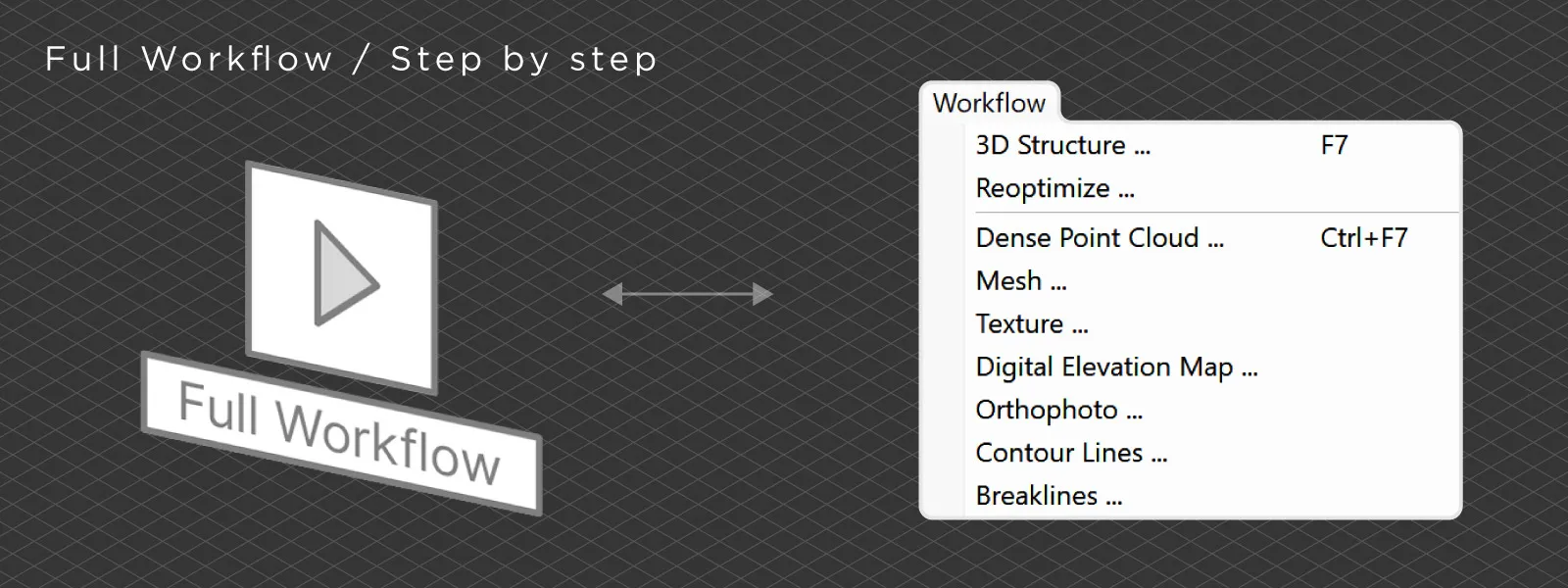 After photo upload, you can choose to process layers one by one or run a full workflow that generates all selected outputs in sequence. Speaking of layers, the entire software is structured around them, similar to classic GIS tools. Everything is clearly represented in the layers panel in a structured way. This may not be the most technically complex approach, but user experience matters more.
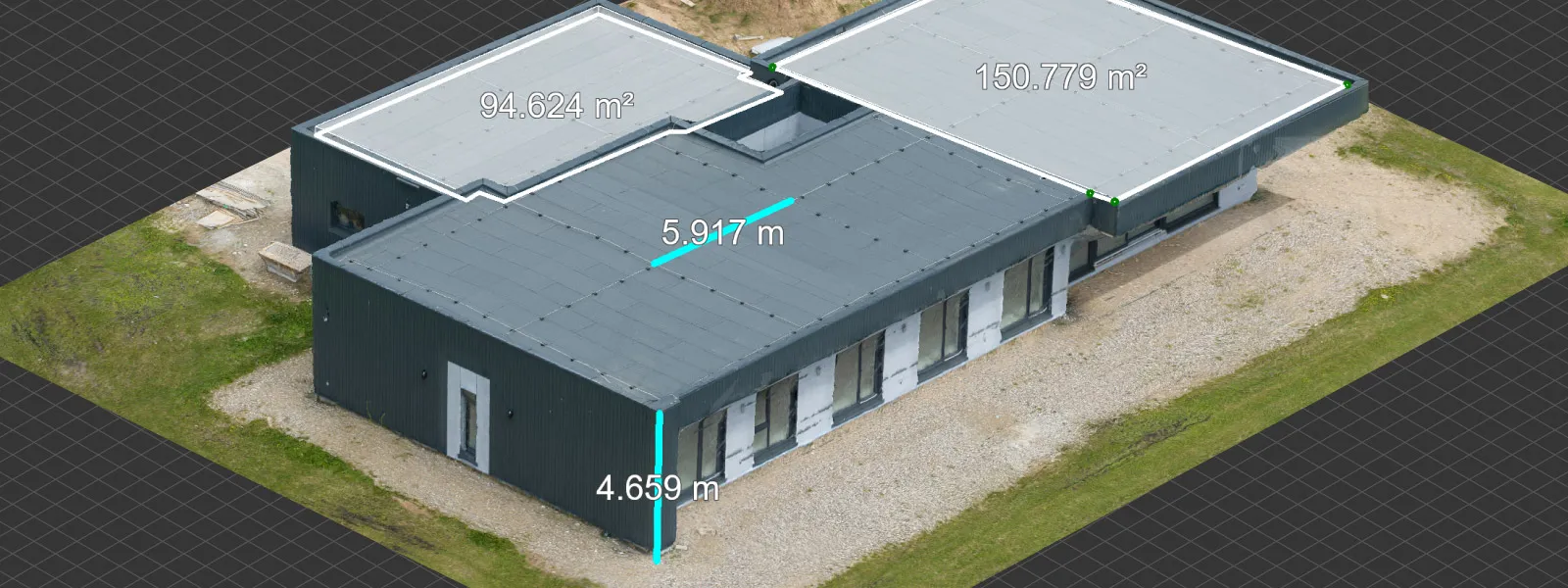
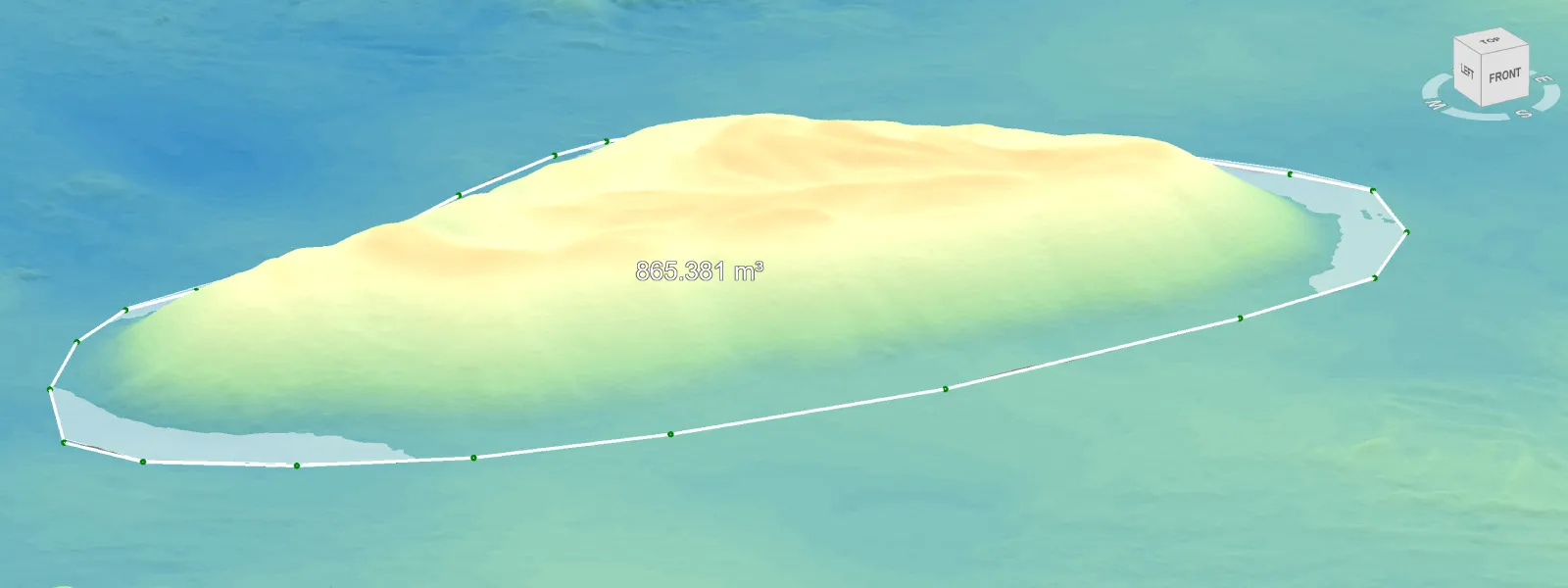
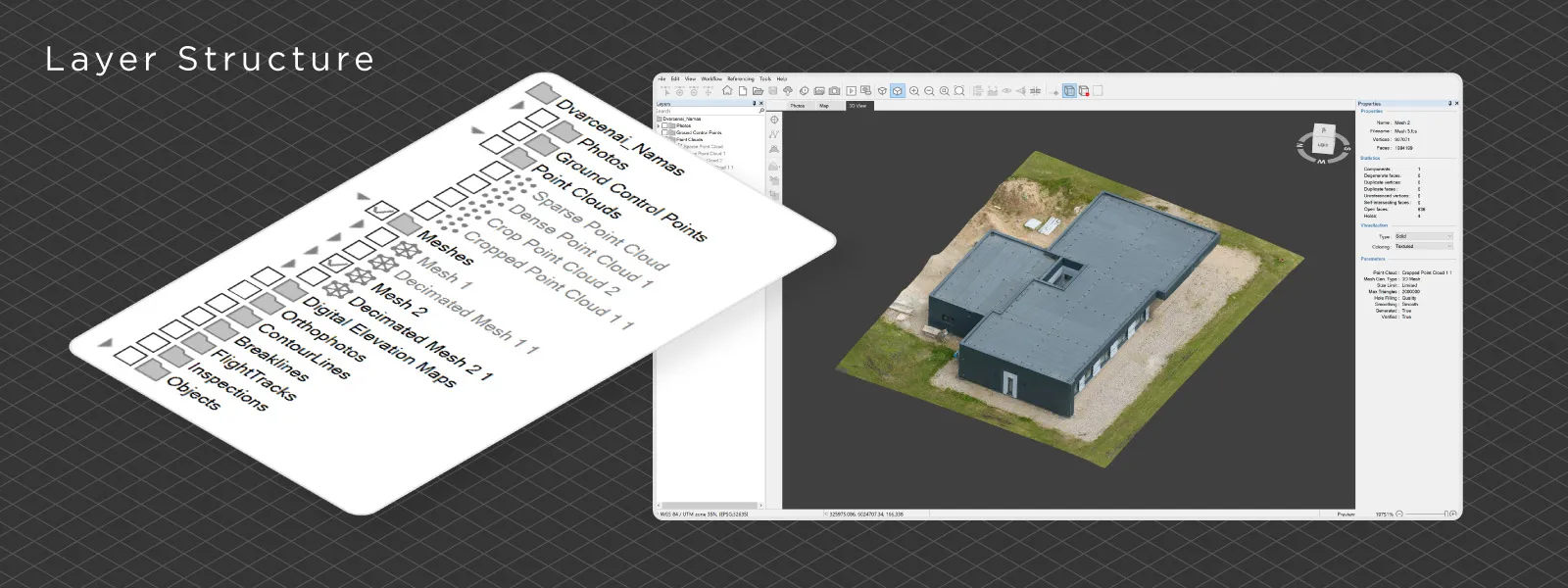 Further down the line, every operation is straightforward. Measurements are as simple as drawing lines, polygons, or points and reading the values. Projection tools help with precision, while profile view and leveling tools are just as direct. We do not have an overwhelming number of analysis tools, but the ones we do have work reliably and without unnecessary friction.
Accessibility
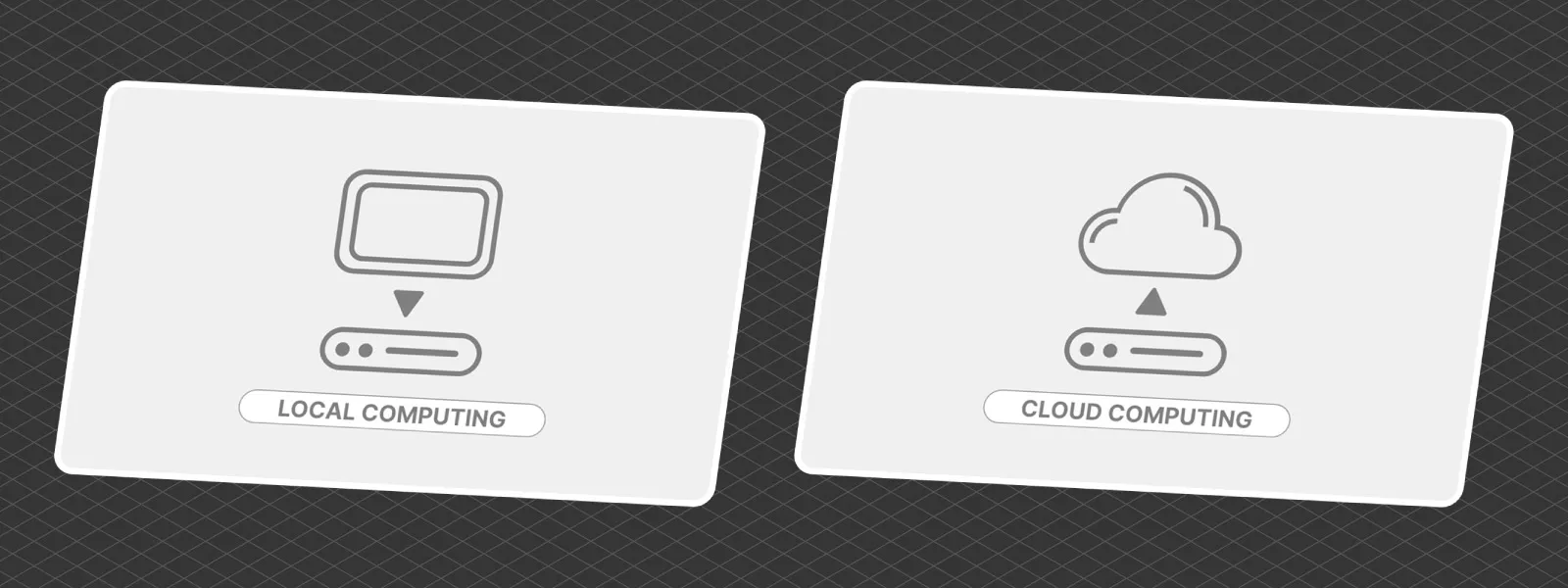
Pixpro is one of the most affordable solutions on the market, and that is only part of the story. We also offer a simple and integrated cloud processing workflow for all users, without additional fees. You can choose between local and cloud processing, and in practice it is used almost equally, which shows that both options are viable.
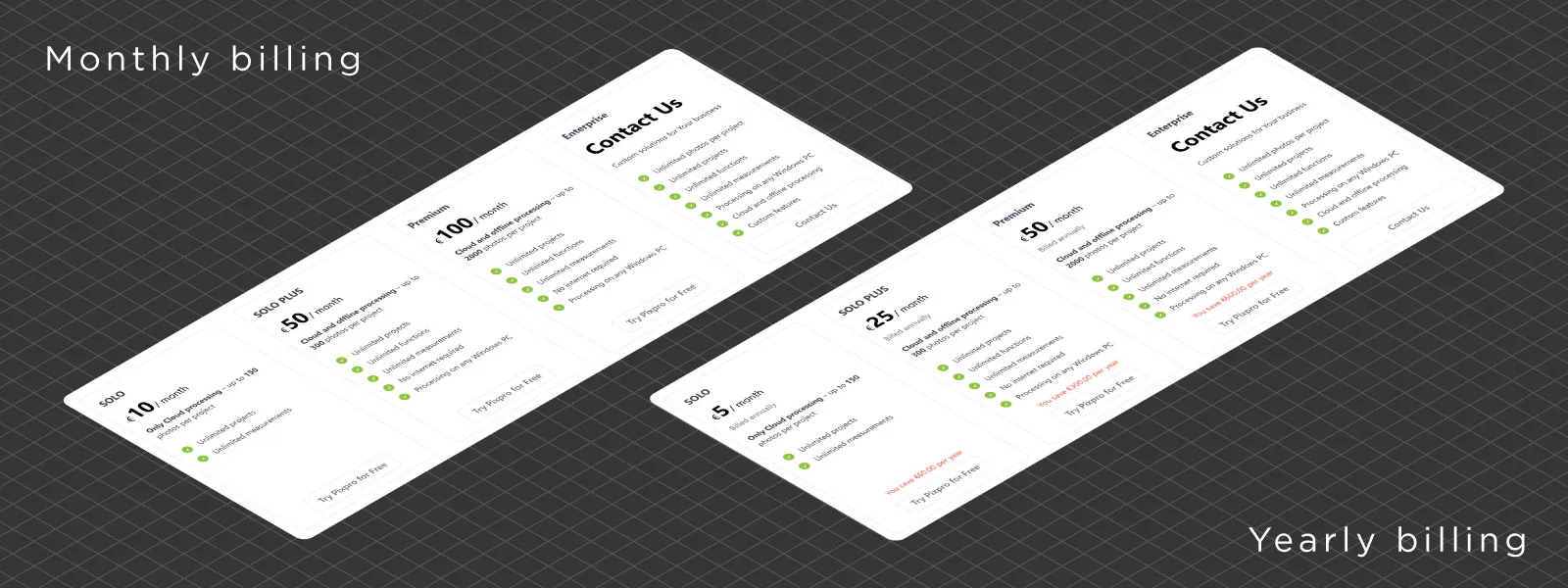 The interface, both in the software and on the website, is simple and approachable. The software itself is lightweight and does not require a powerful machine just to run. The only real barrier is the credit card requirement for trial access, but even in those cases, support is available if anything goes wrong.
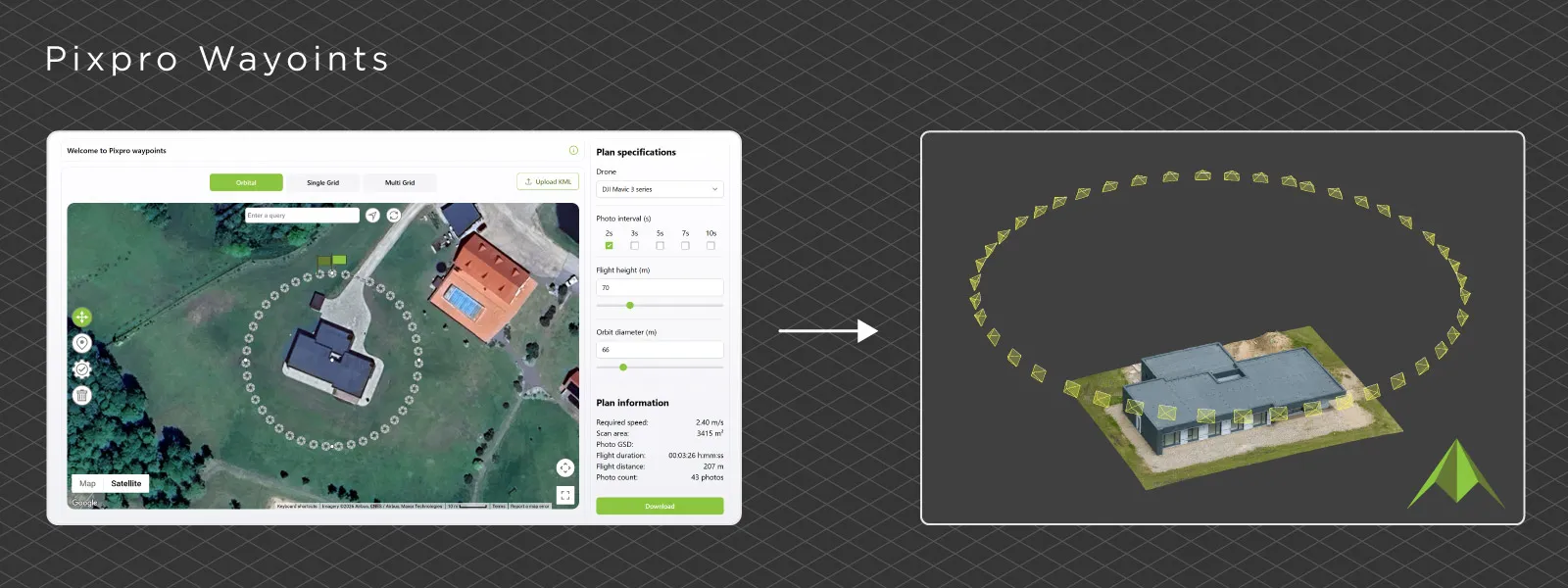
Pixpro Waypoints adds another layer of accessibility. It supports modern DJI drones and allows users to run the three fundamental flight plans that cover most photogrammetry use cases, without needing enterprise-level hardware or pricing.
 Support
We are not yet large enough to deprioritize human support, so if you need help, a real person will respond. No automated responses, no unnecessary back and forth.
We have enough experience in photogrammetry to either solve the issue directly or point you in the right direction. The Discord server is the fastest way to get help, but email and contact forms work just as well.
This blog itself is also part of our support system. Many articles are based on real user questions or common issues, which makes them directly useful for new users.
 Pixpro vs Other Photogrammetry Software
Below is a practical comparison based on real usage and user feedback.
Pixpro vs RealityScan
Pixpro is much more focused on measurements and survey workflows. It has better handling of ground control points, coordinate systems, and orthophoto generation. RealityScan is much stronger for 3D asset creation, handling complex scans, and raw processing speed, especially with NVIDIA hardware.
Pixpro is easier to use in my opinion, while RealityScan is more performance driven and free for smaller use cases. These tools sit on opposite ends of the photogrammetry spectrum.
 Pixpro vs Pix4D
Pixpro is more affordable and significantly less complicated, both in interface and ecosystem. Pix4D offers a very complete ecosystem that can cover almost any industry, but that comes with complexity and cost.
Pixpro focuses on doing the core tasks well without requiring users to navigate multiple products and services.
Pixpro vs Metashape
Pixpro has more straightforward coordinate system handling and a more accessible ground control workflow. Metashape is stronger in raw processing speed and offers a deeper feature set for advanced users.
However, that comes at the cost of a more complex interface and steeper learning curve.
 Pixpro vs 3DF Zephyr
Pixpro is easier to use and more workflow-focused, especially for mapping and measurement tasks. Zephyr offers more technical features and flexibility, but requires more time to learn and operate efficiently.
In practice, Zephyr gives you more control, while Pixpro gets you to a usable result faster.
Pixpro vs DJI Terra
Pixpro is more flexible and not tied to a specific hardware ecosystem. DJI Terra works best within DJI enterprise workflows and is optimized for their drones, but outside of that environment it is quite limited.
Pixpro allows more freedom in how you capture and process data, especially when combining different workflows.
Pixpro vs DroneDeploy
Pixpro offers more control over data and processing, especially when working locally. DroneDeploy is heavily cloud-focused and prioritizes automation and collaboration.
DroneDeploy is easier for teams and large scale operations, while Pixpro gives more control and does not lock you into a cloud-only workflow, not to mention the subscription price differences.
 Pixpro vs Bentley iTwin Capture
Pixpro is much more focused on usability and smaller to medium scale workflows, while iTwin Capture is built for large scale, enterprise level projects such as city reconstruction and infrastructure. iTwin Capture can handle massive datasets and complex pipelines, but it comes with significant complexity and cost. Pixpro is not trying to compete at that scale, but instead offers a much more accessible and straightforward solution for everyday photogrammetry tasks.
Conclusion
Most photogrammetry software today is capable of producing good results. That is no longer the main difference. The real difference is how easy it is to get those results, how much control you have over your data, and how much time you spend getting there.
Pixpro is not trying to be everything at once. It focuses on the core workflow, making it easier to understand, faster to use, and more accessible overall.
If you need a tool for complex pipelines, very specific workflows, or large enterprise systems, there are other options that might fit better. But if you want a practical, reliable, and straightforward way to do photogrammetry, Pixpro is a very strong choice.
Photographer - Drone Pilot - Photogrammetrist. Years of experience in gathering data for photogrammetry projects, client support and consultations, software testing, and working with development and marketing teams. Feel free to contact me via Pixpro Discord or email (l.zmejevskis@pix-pro.com) if you have any questions about our blog.
Related Blog Posts
Our Related Posts
All of our tools and technologies are designed, modified and updated keeping your needs in mind
3D Point Clouds in Pixpro: How to Convert and Export Spatial Data
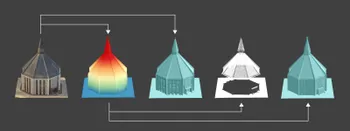
Photogrammetry software produces several types of spatial outputs, but the dense 3D point cloud is the foundation of them all. In Pixpro, the dense point cloud acts as the base dataset from which every other derivative is generated.
 Pixpro Team

How to Create and Import a KML File in Pixpro Waypoints
We are continuing our improvements to the Pixpro Waypoints service and bringing a few small updates. Pixpro Waypoints is a service that allows automatic photogrammetry flights with consumer grade DJI drones using a bit of workaround magic.
Pixpro Team
Pixpro 1.7.11 - Seamless Model Sharing
We are keeping the development cycle relatively short these days, so here is a new update to our photogrammetry software. Update 1.7.11 brings improvements related to our cloud service.
Pixpro Team
Ready to get started with your project?
You can choose from our three different plans or ask for a custom solution where you can process as many photos as you like!
Free 14-day trial. Cancel any time.